

Add tags
You can add tags in three places. Use the one that holds the data you need.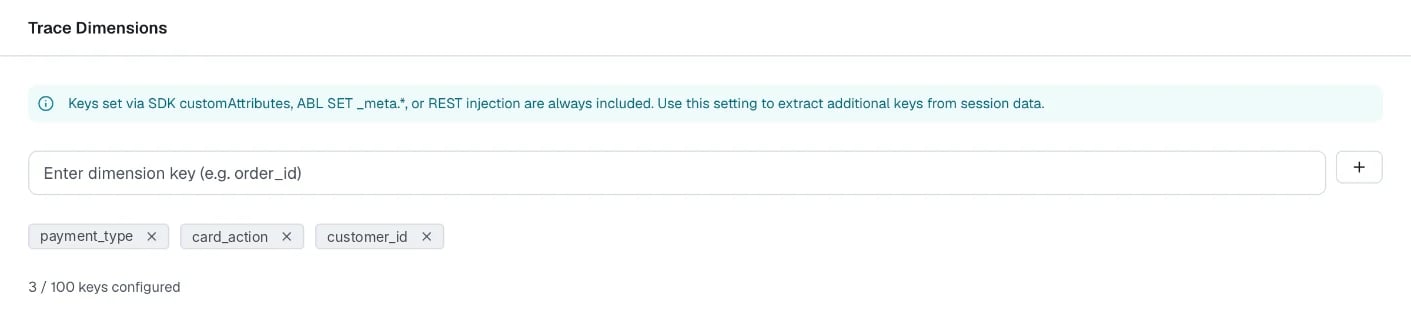
Example: tag a conversation in ABL
The following agent sets a tag when the session starts, and two more tags from a tool result.Where tags show up
The platform writes tags on every event and on the session summary. In a custom dashboard widget or in Analytics Explorer → Query, you can group and filter by them. The widget editor lists them in the Custom dimensions panel.Limits
By default, the platform rejects values that look like personal data. Don’t put personal data in tags.