

Add tags
You can add tags in three places. Use the one that holds the data you need.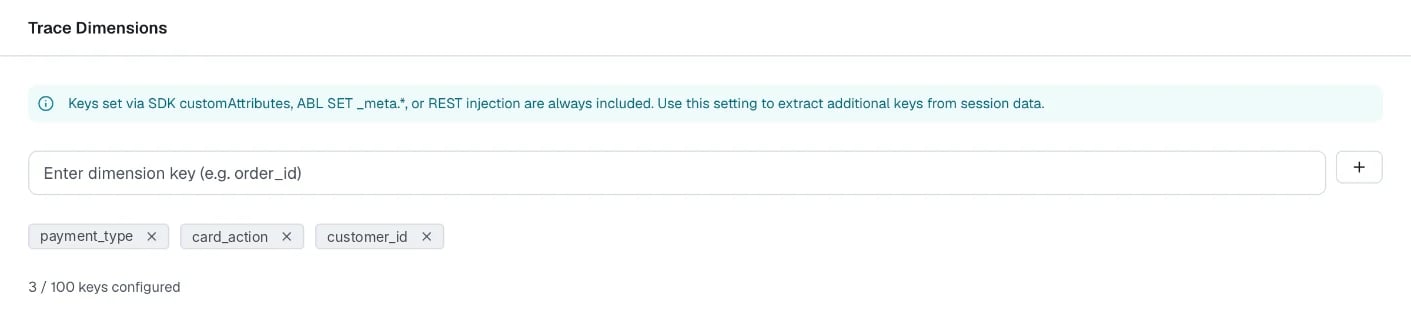
Example: tag a conversation in ABL
The following agent sets a tag when the session starts, and two more tags from a tool result.Where tags show up
The platform writes tags on every event and on the session summary. In a custom dashboard widget or in Analytics Explorer → Query, you can group and filter by them. The widget editor lists them in the Custom dimensions panel. The platform stores tags in thecustom_dimensions column, a map of string keys. In a widget query, read one as custom_dimensions['payment_type'].
Limits
By default, the platform rejects values that look like personal data. Don’t put personal data in tags.