

Roles
Workspace Types
Every workspace is classified as Standard or Enterprise. Licenses, usage, and limits are governed by Kore.ai’s terms and conditions for your workspace type.Standard Workspace
All new workspaces start as Standard.- New apps include a free trial period. After the trial, you can subscribe to the Essential Plan or Advanced Plan.
- Workspace or App Owners can request an upgrade to Enterprise. The Customer Support team will process the request.
Enterprise Workspace
Enterprise workspaces offer premium features, higher usage limits, and higher rate limits. Business accounts with custom contracts are automatically upgraded to Enterprise.- Features, usage limits, and rate limits are governed by your license agreement.
- All apps in an Enterprise Workspace are assigned to the Enterprise Usage Plan. See Usage Plans.
Enterprise Upgrade Flow
Product-Specific Upgrades
Enterprise upgrades apply only to the products included in your license. For example, purchasing only Search AI upgrades the workspace for Search AI only — other products remain unchanged.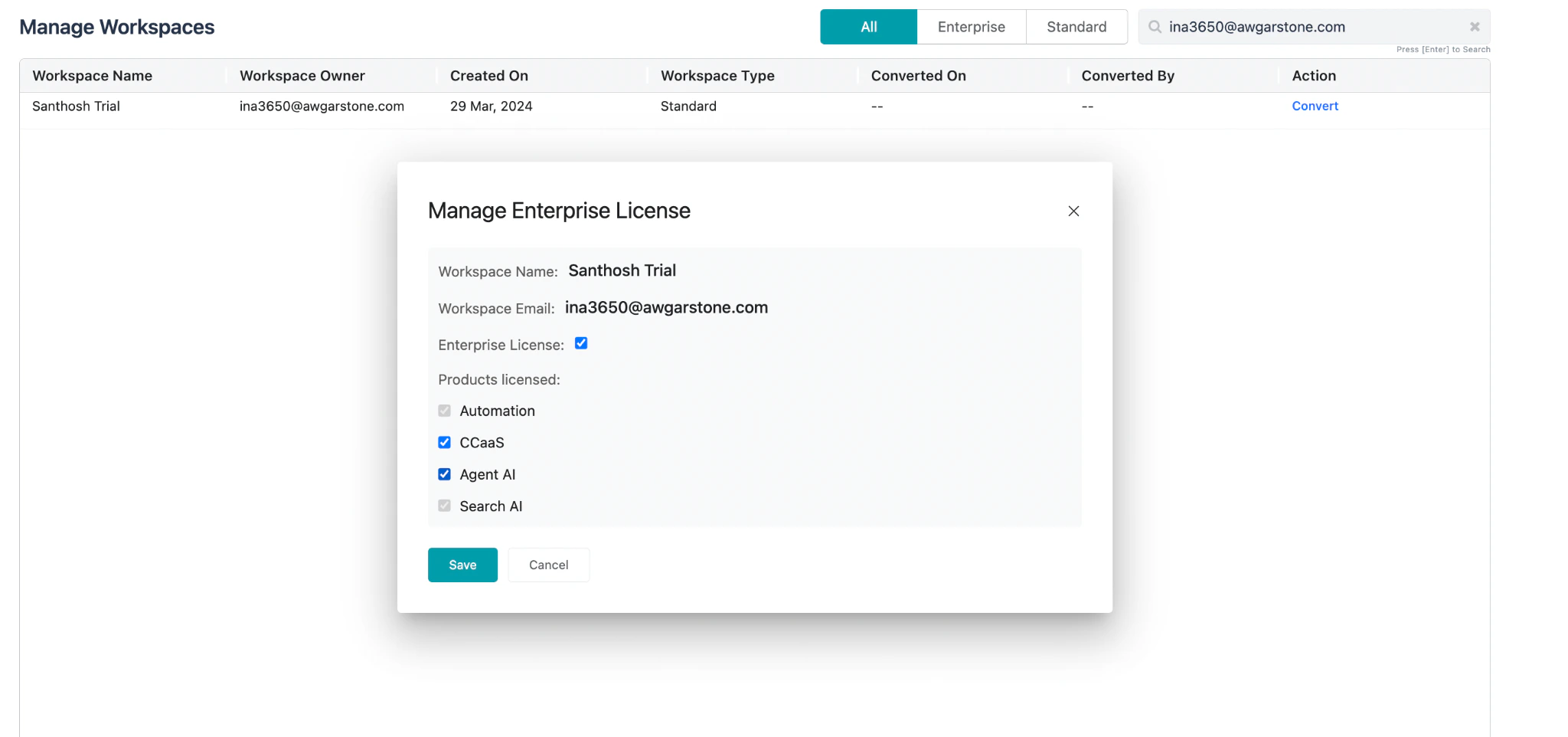
Post-Upgrade Access
After the upgrade, users can immediately access licensed products without going through the trial flow again.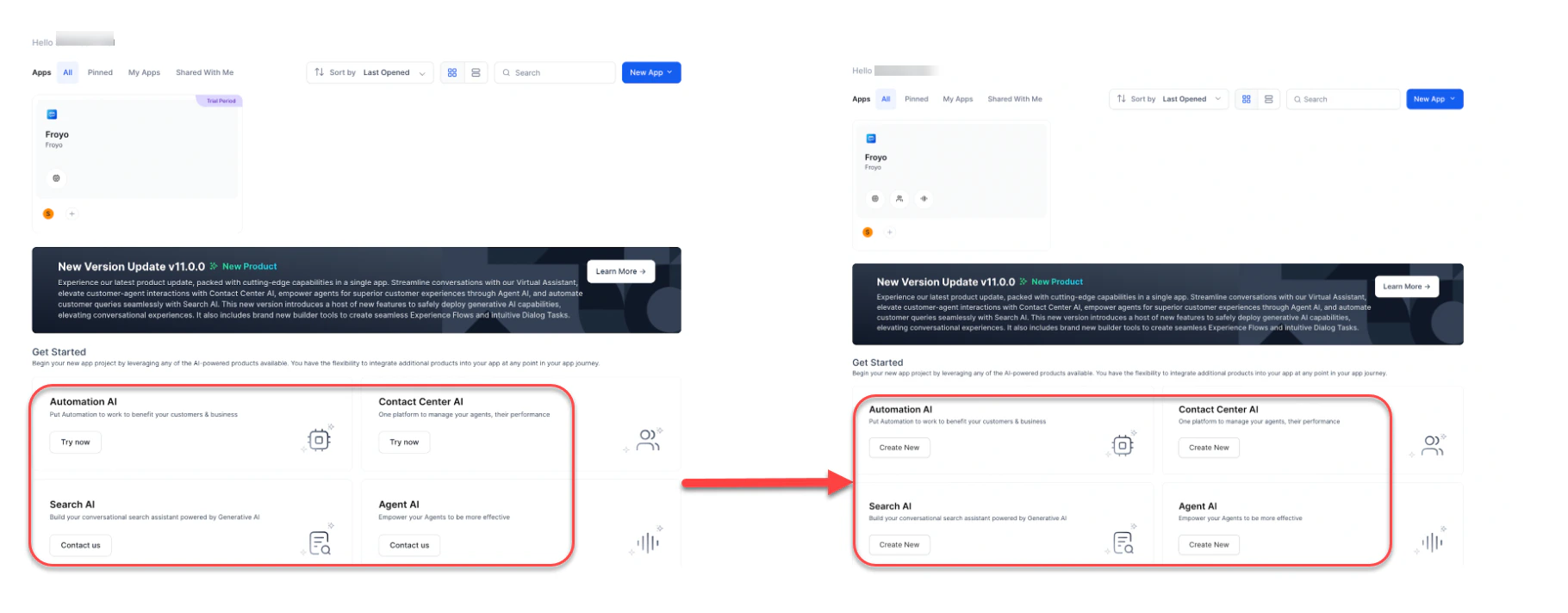
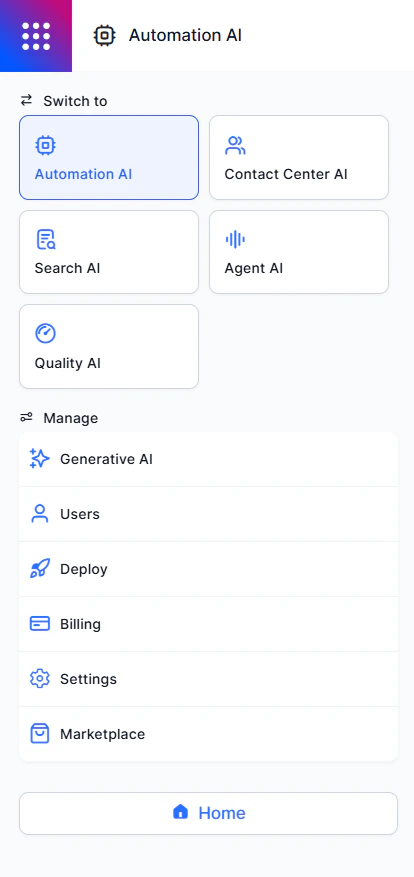
Partial Product Upgrades
When only certain products are upgraded, users can create apps only for those products. Products without an enterprise license remain unavailable. In the example below, only Automation AI and Search AI have enterprise licenses. Contact Center AI and Agent AI aren’t included.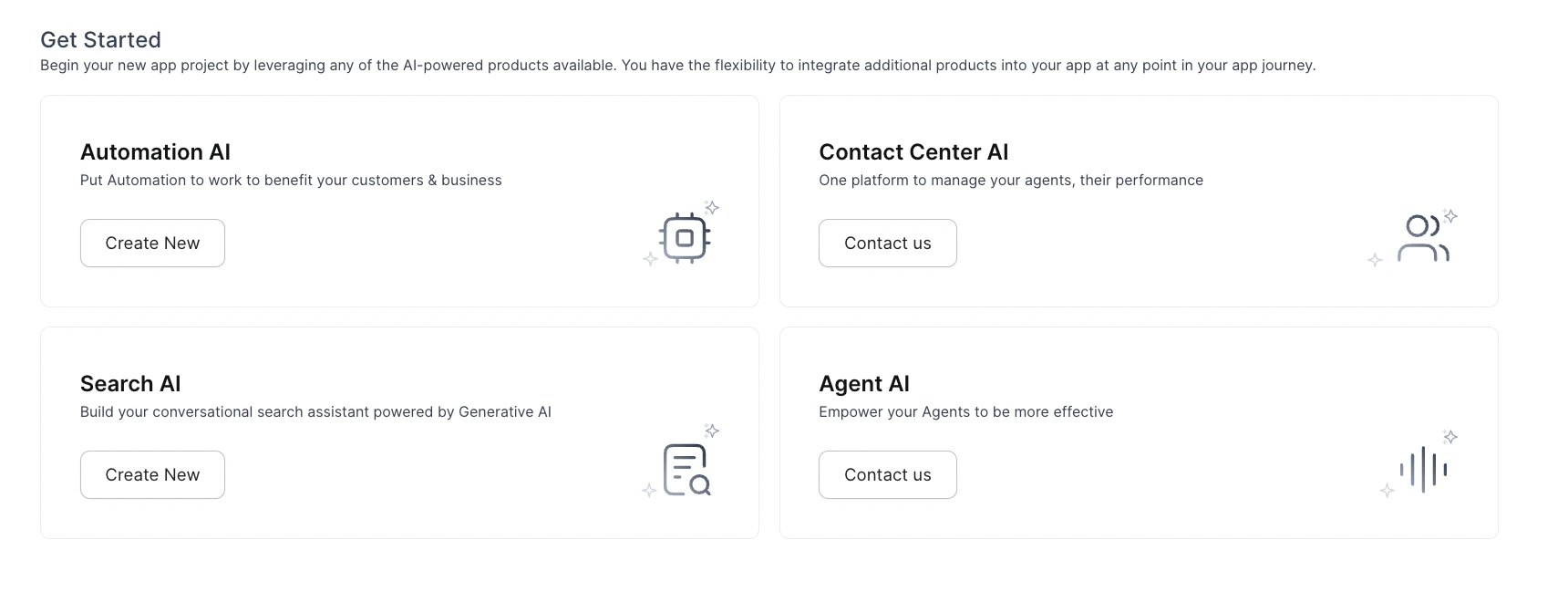
Workspace Linked to Multiple Apps
A Workspace Owner can manage Plan and Usage across multiple apps from a single view. Available actions:- Manage free and paid credits for individual apps.
- View the number of paid and inactive apps.
- View free credit statistics.
- Upgrade the current plan or add funds.
- View Current Credits, Allowed Requests, and Usage Trends.
- View Billing Request Trends by week, month, or custom date range.
- View Support Plan Type, Subscription Type, Subscription Fee, and Renewal Due Date.
- Access Manage Tickets and Community pages.