

Supported Authorization Types
The platform supports Basic Auth for DHL integration. See App Authorization Overview for details.Prerequisites
Before enabling the DHL action:- Create a DHL Developer account.
- Create a custom app on the DHL admin page.
- Copy your DHL API Key.
Enable the DHL Action
Go to App Settings > Integrations > Actions and select DHL from the Available actions list.Pre-authorize the Integration (Basic Auth)
- In the Configurations dialog, select the Authorization tab.
-
Set Authorization Type to Pre-authorize the Integration > Basic Auth.
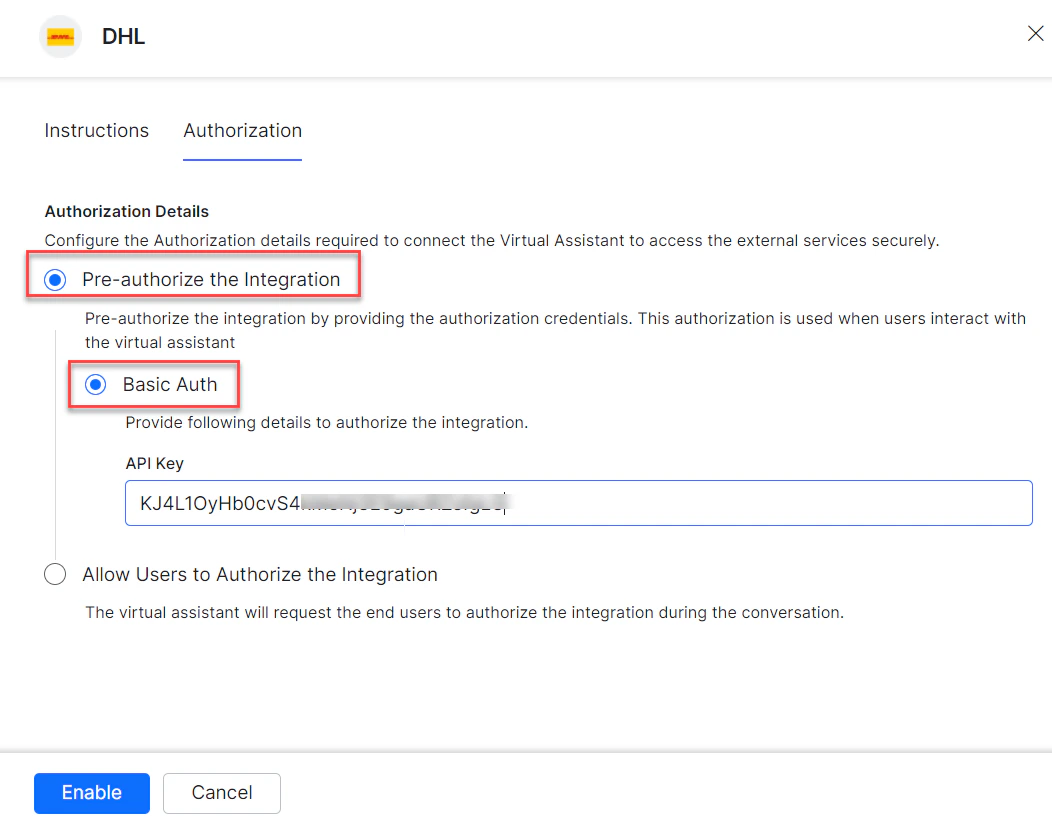
- Enter your API Key.
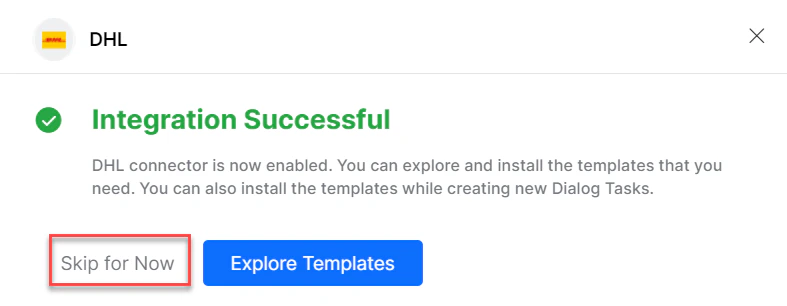
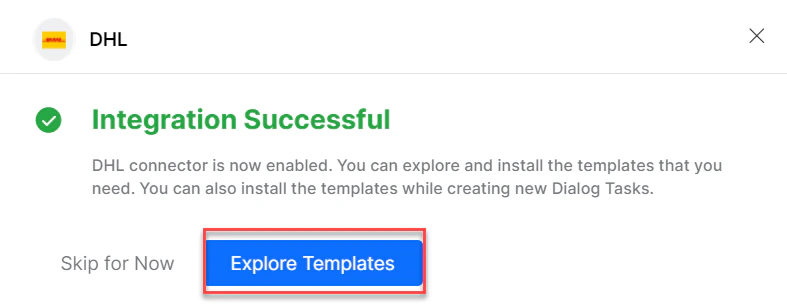
- Click Enable. On first configuration, the Integration Successful pop-up appears.
The DHL action moves from Available to Configured.
-
Click Skip for Now to install templates later.
Allow End Users to Authorize (Basic Auth)
- In the Configurations dialog, select the Authorization tab.
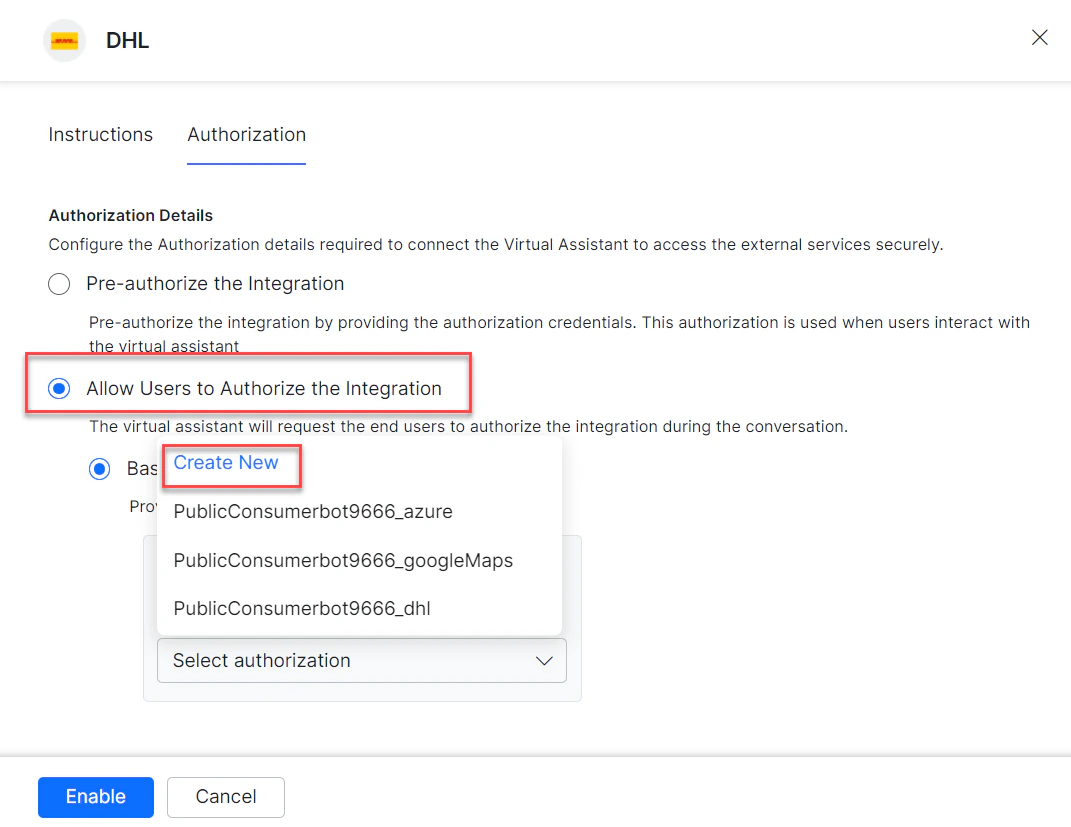
- Set Authorization Type to Allow Users to Authorize the Integration > Basic Auth.
-
Click Select Authorization > Create New.
-
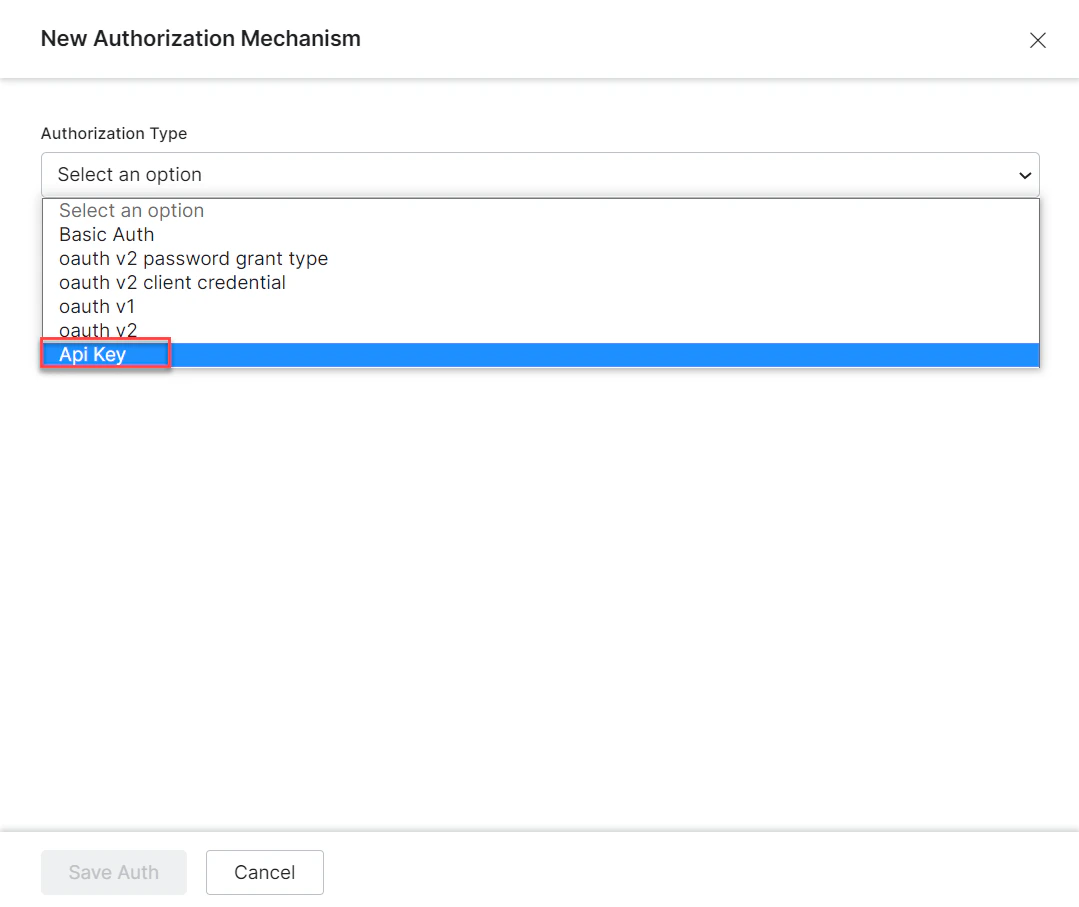
Select the authorization mechanism (for example, API Key).
-
Enter the following credentials:
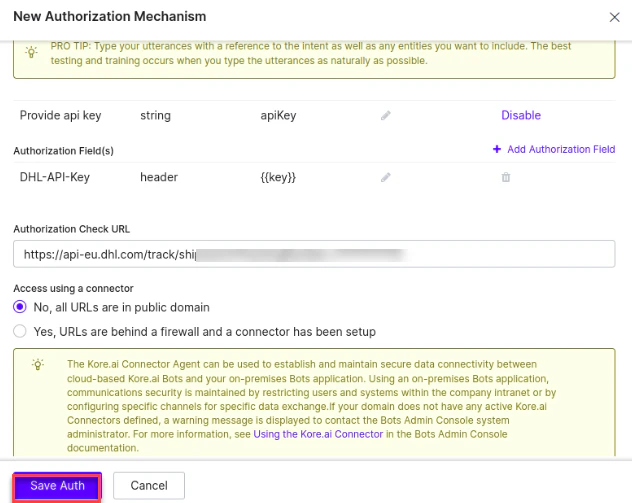
- Click Save Auth, then select the new profile.
- Click Enable. The Integration Successful pop-up appears.
Install DHL Action Templates
-
On the Integration Successful dialog, click Explore Templates.
-
Click Install for the desired template.
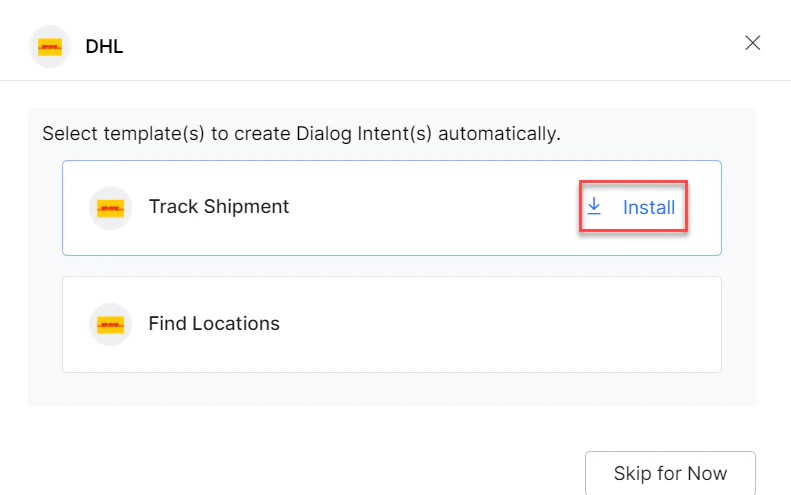
- The associated dialog task is auto-created. Click Go to Dialog or navigate to Automation AI > Use Cases > Dialogs.
- To use the templates, see Using DHL Action Templates.