

Supported Actions
Track Shipment
- Install the template from DHL Templates.
-
The Track Shipment dialog task is added with:
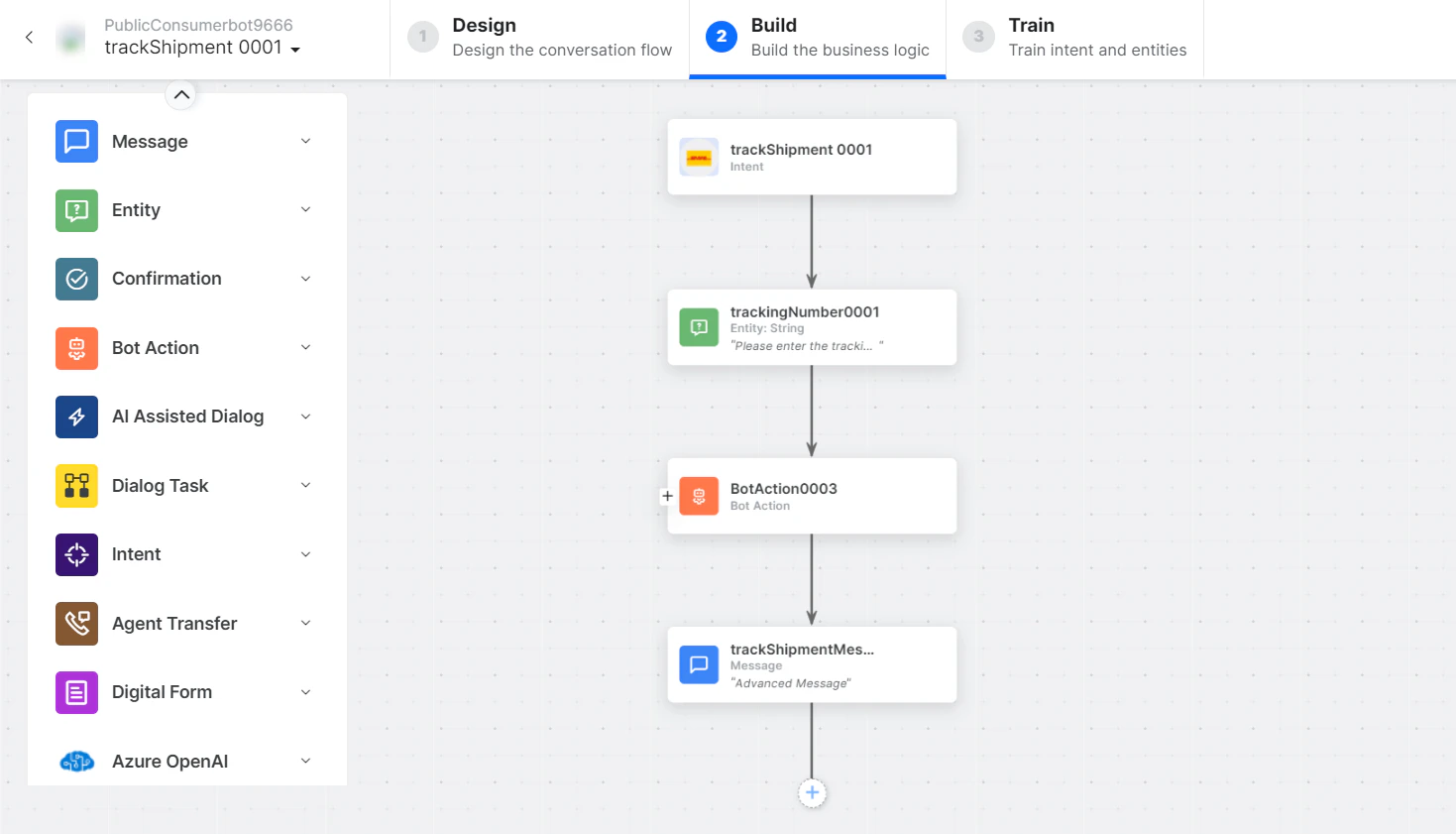
- trackShipment - User intent to track a shipment by DHL ID.
- trackingNumber - Entity node for the tracking number.
-
trackShipmentService - Bot action service to track the shipment. Optionally click Edit Request:
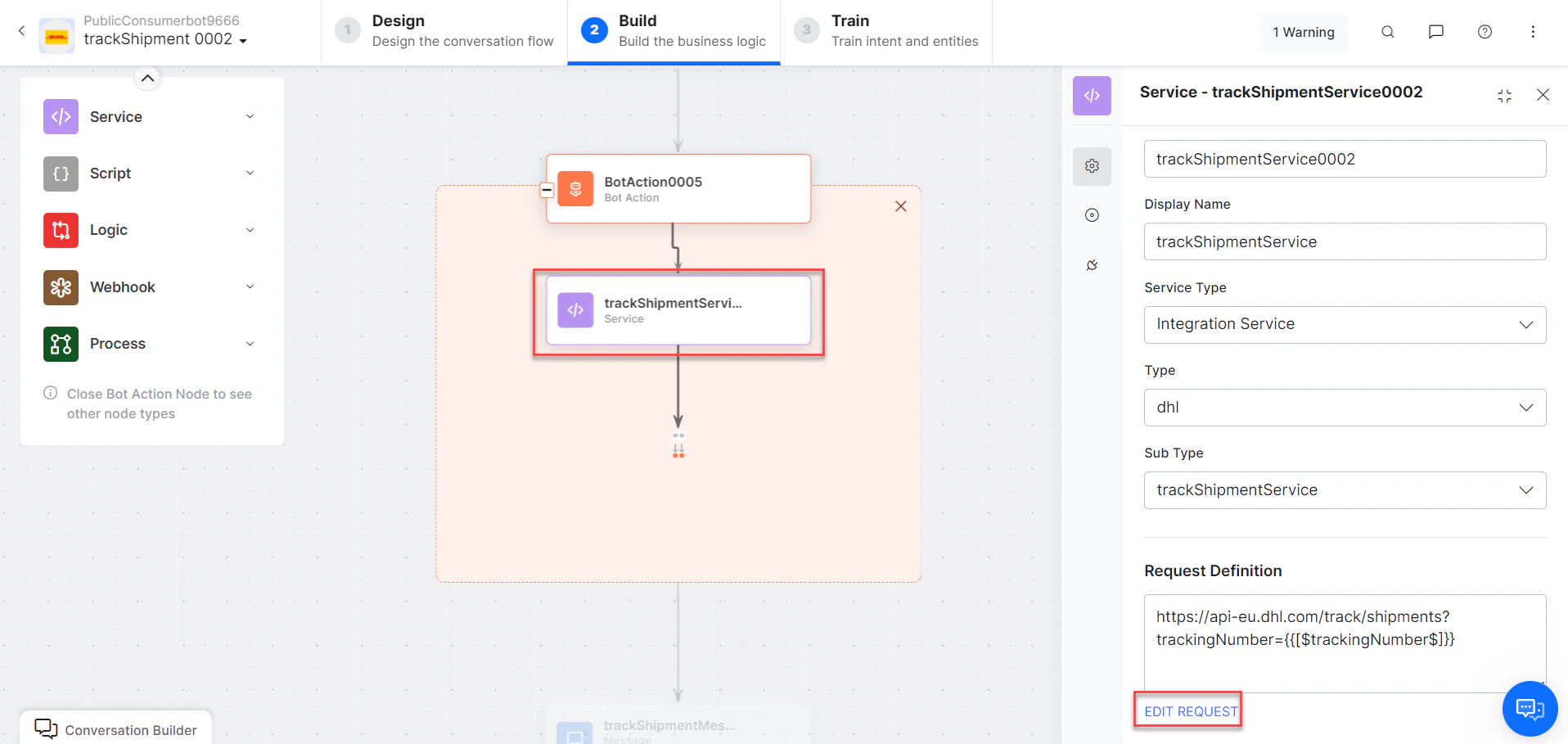
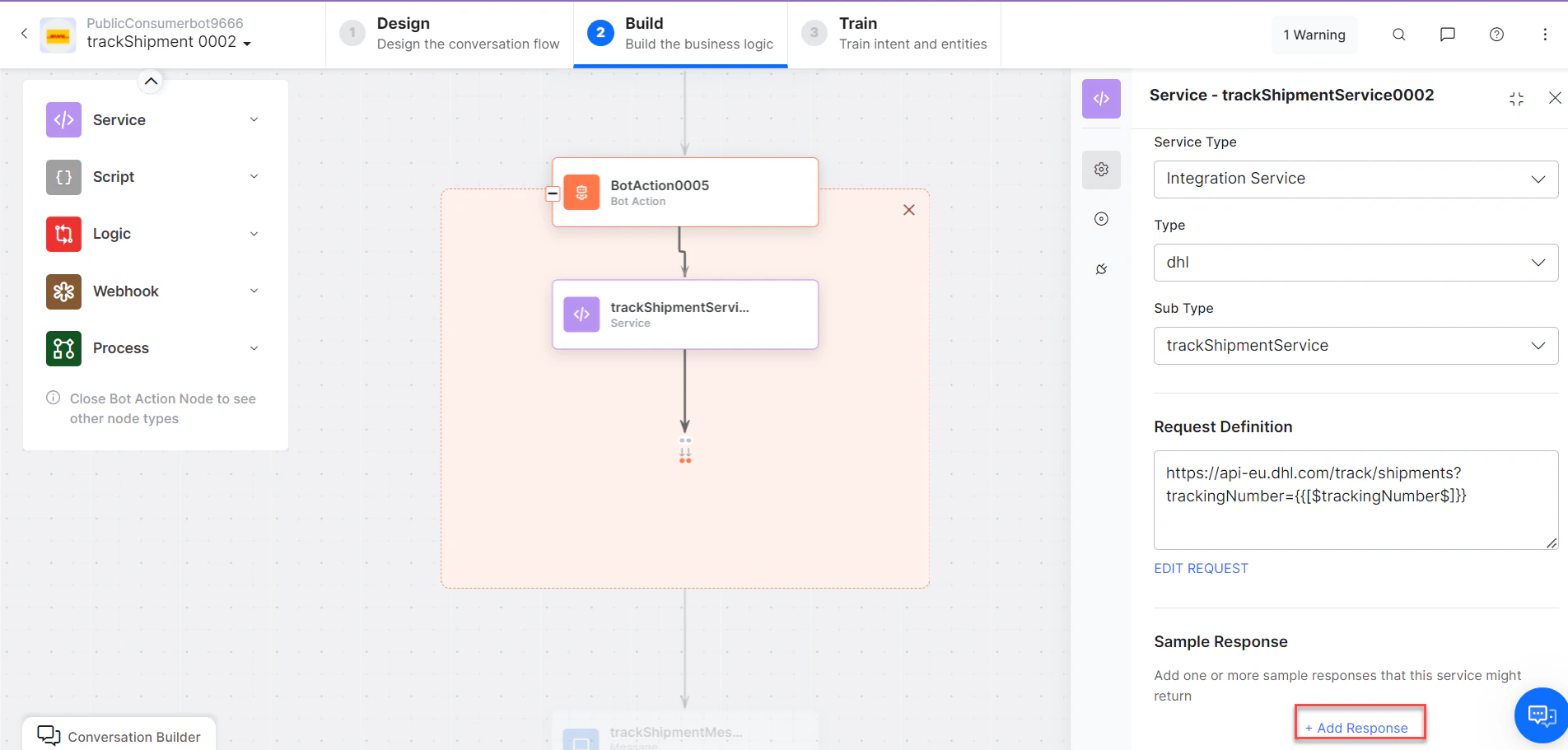
- trackShipmentMessage - Message node to display results.
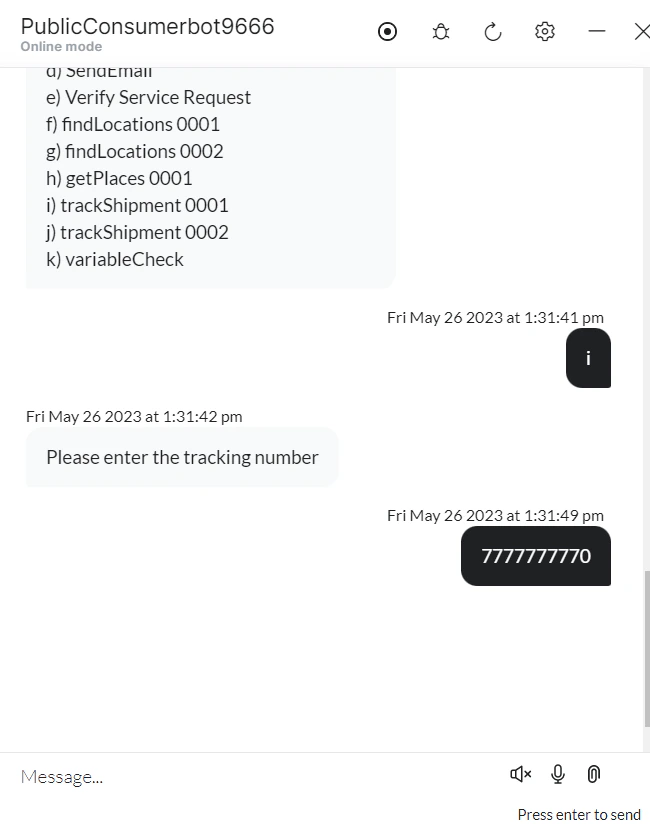
- Click Train, then Talk to Bot to test.
-
Follow prompts to track a shipment.
Find Locations
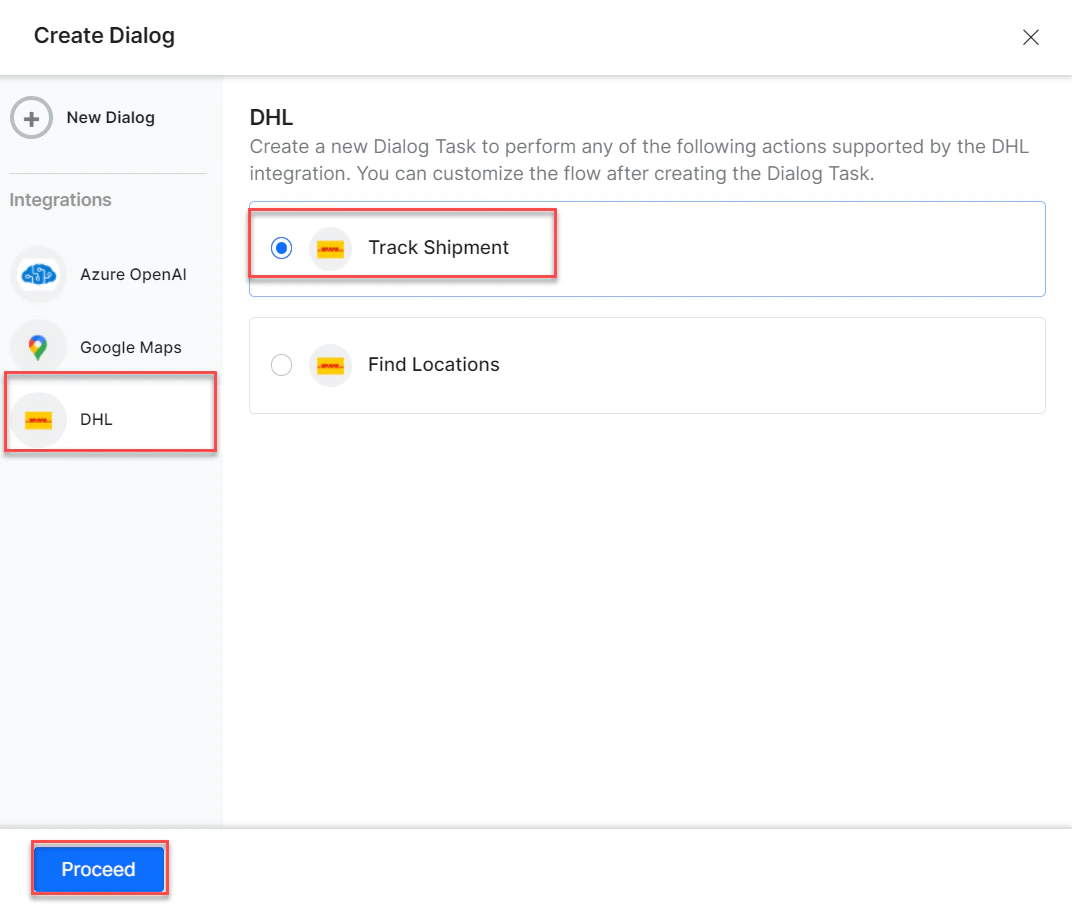
- Install the template from DHL Templates.
-
The Find Locations dialog task is added with:
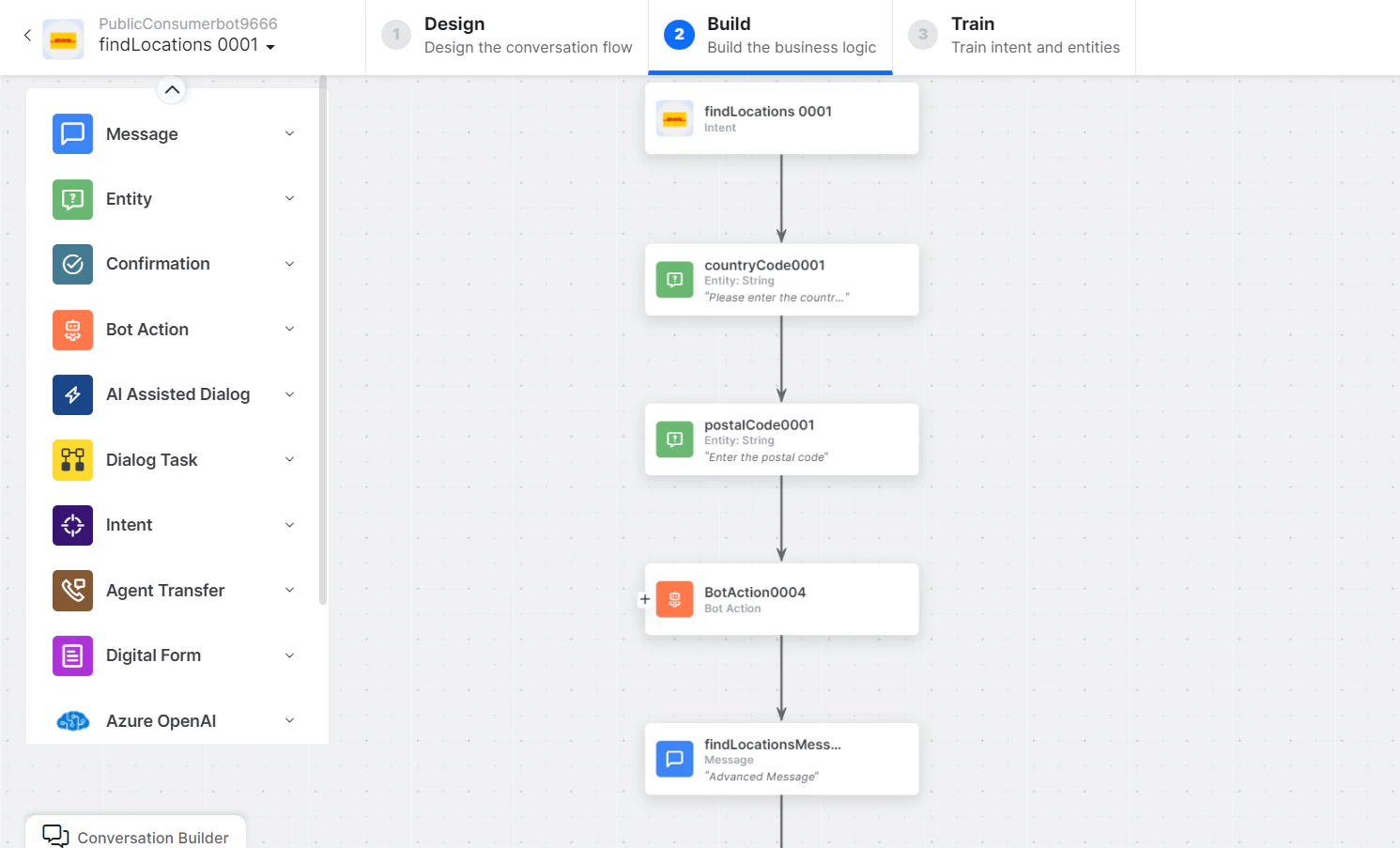
- findLocations - User intent to find locations by coordinates.
- countryCode and postalCode - Entity nodes for country and postal codes.
-
findLocationsService - Bot action service to find locations. Optionally click Edit Request:
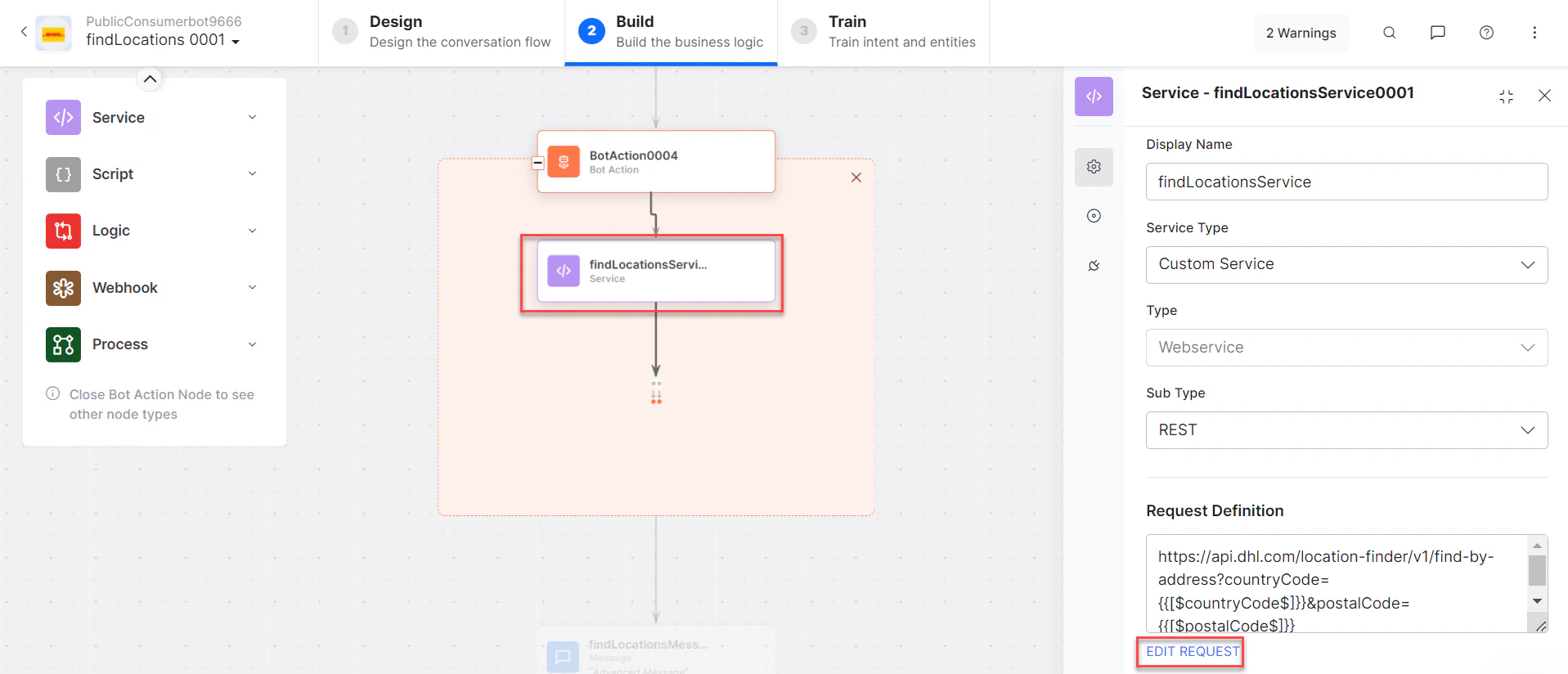
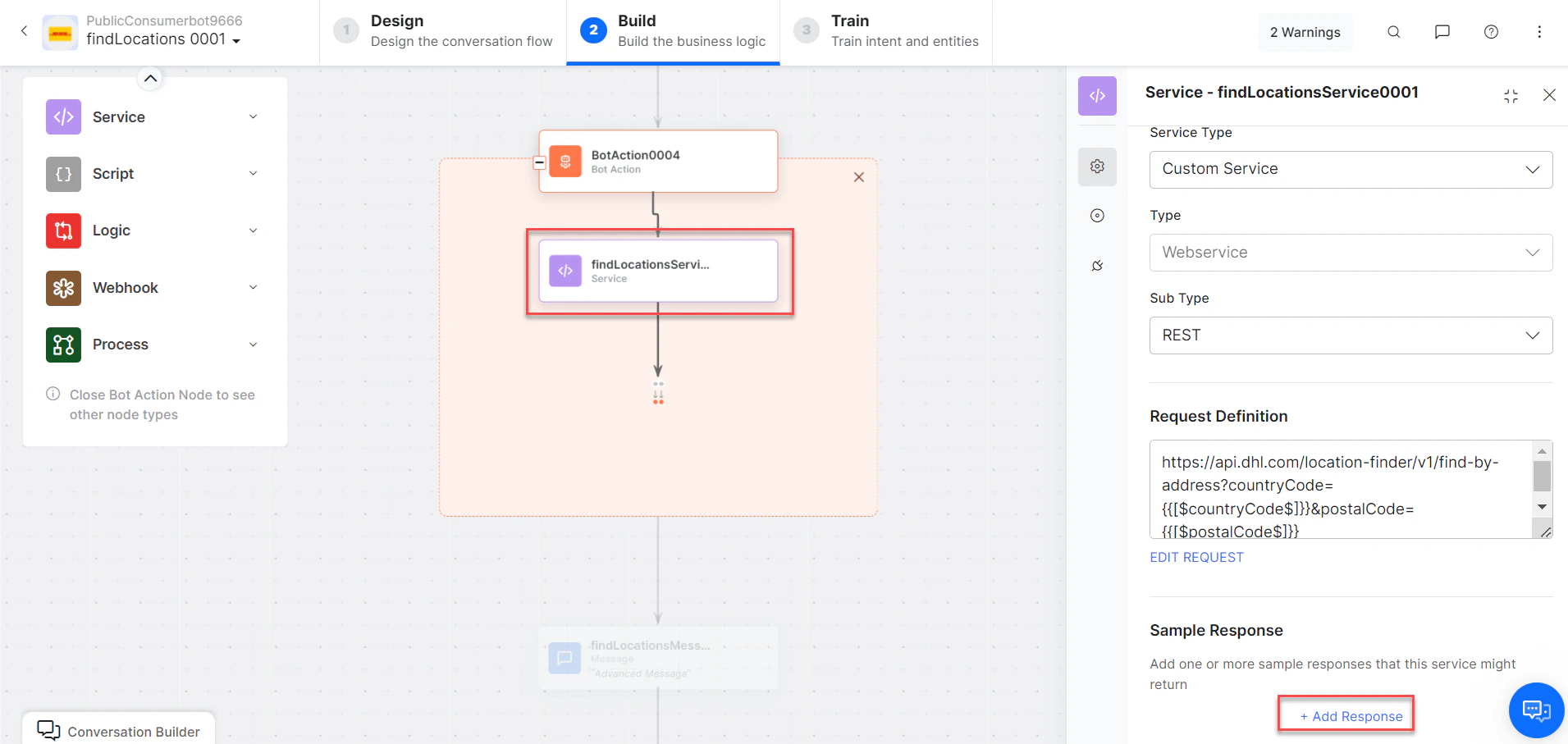
- getLocationsbyCoordinatesMessage - Message node to display results.
- Click Train, then Talk to Bot to test.
-
Follow prompts to find locations.
-
Click and expand the desired result to view location details.