Supported Actions
General Query
- Install the template from Azure OpenAI Templates.
-
The General Query dialog task is added with:
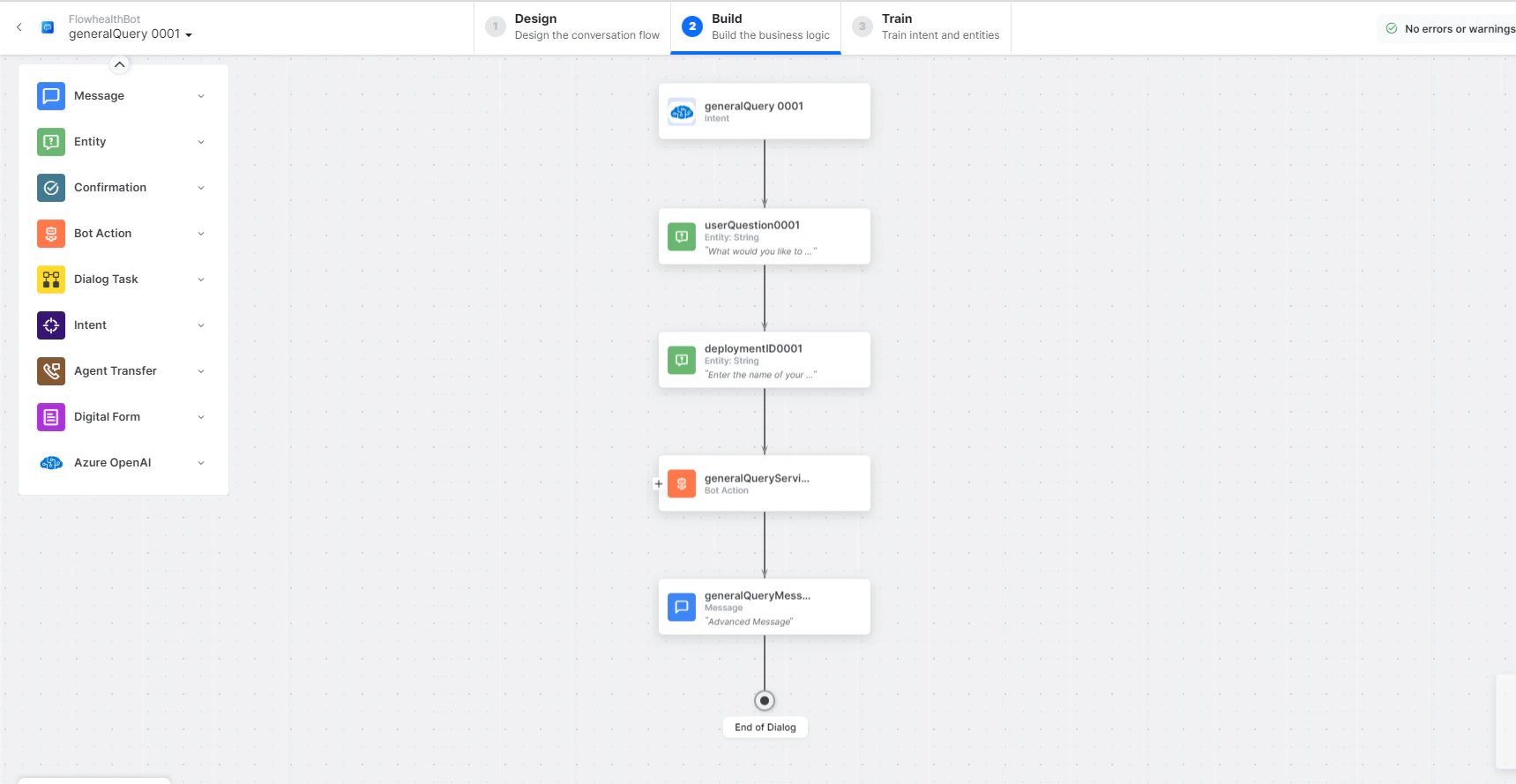
- generalQuery - User intent for a general query.
- userQuestion and deploymentID - Entity nodes to pass the user’s question.
-
generalQueryService - Bot action service to send the query. Click Edit Request to modify parameters:
 Click +Add Response to add sample responses: Sample Response:
 - generalQueryMessage - Message node to display the query response.
- Click Train to complete training.
- Click Talk to Bot to test.
-
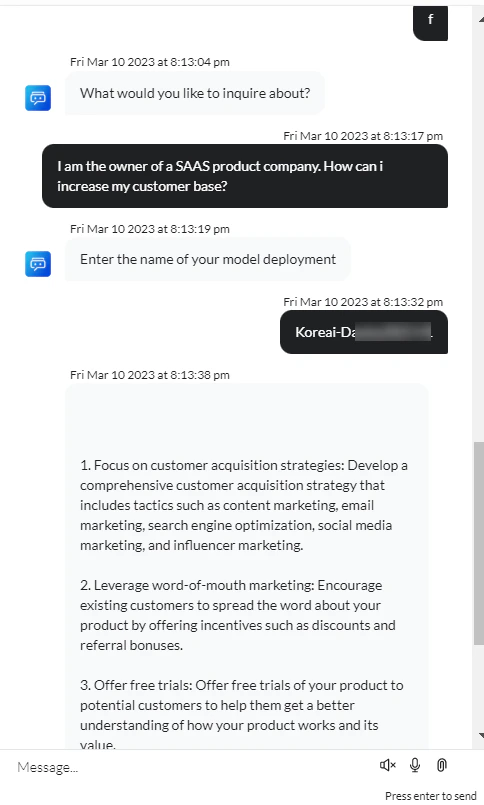
Enter a question when prompted.
-
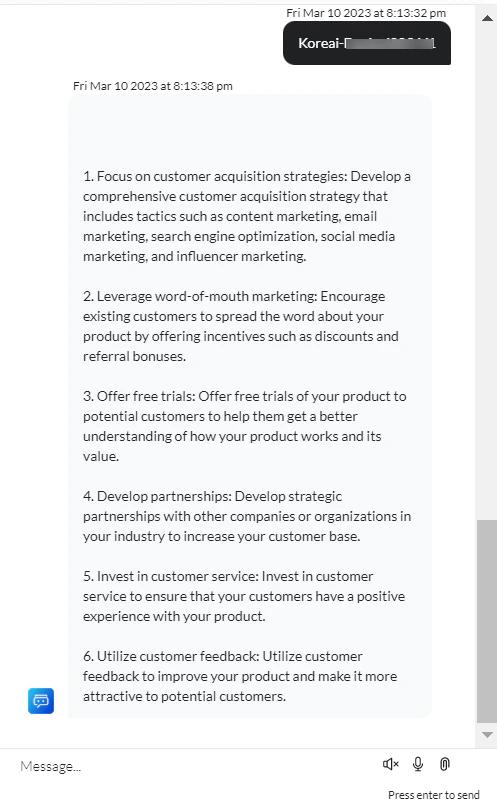
An answer is generated for your query.