

Template Types
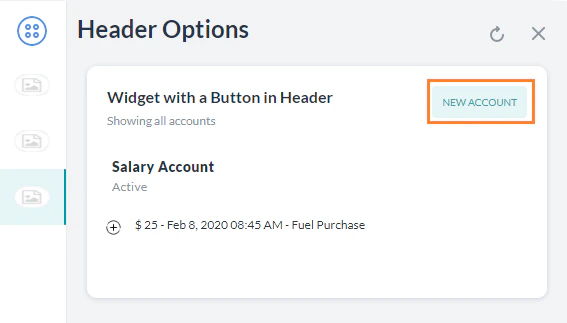
Button Template
Displays clickable buttons — either a URL (opens a webpage) or a postback (sends a payload to the Platform). Required parameters:text (up to 640 chars), buttons array
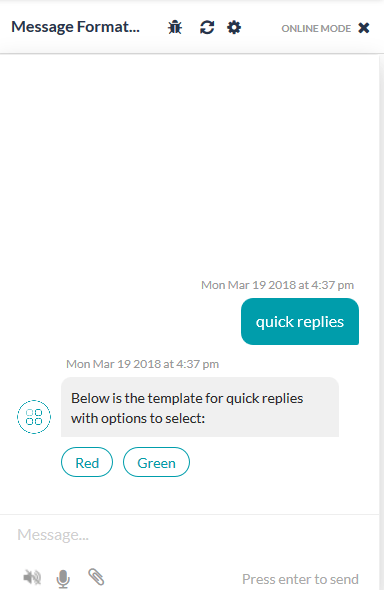
Quick Replies Template — Text
Displays a text message with clickable text choices. Required parameters:text (up to 640 chars), title per option
Quick Replies Template — Text and Image
Same as Quick Replies — Text, with animage_url added per option.
Feedback Survey Templates
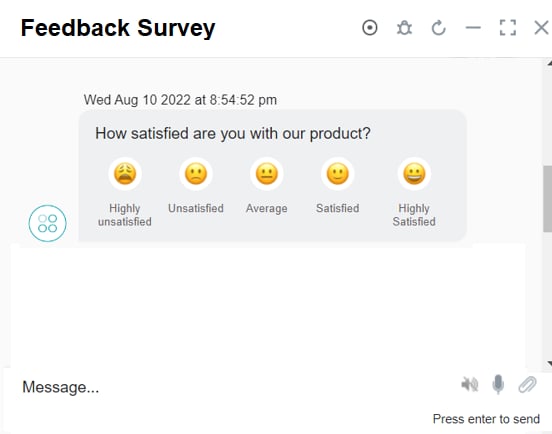
Three survey templates are supported for the web/mobile client: NPS, CSAT, and Like/Dislike. These are available as generic templates in the channel template override section of the feedback survey configuration. NPS — 0-10 scale; color-coded icons; single selection only.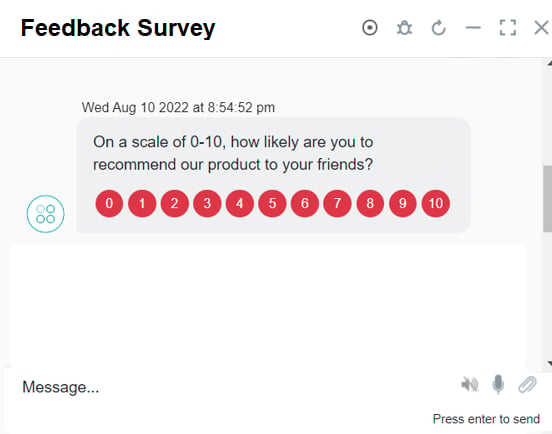
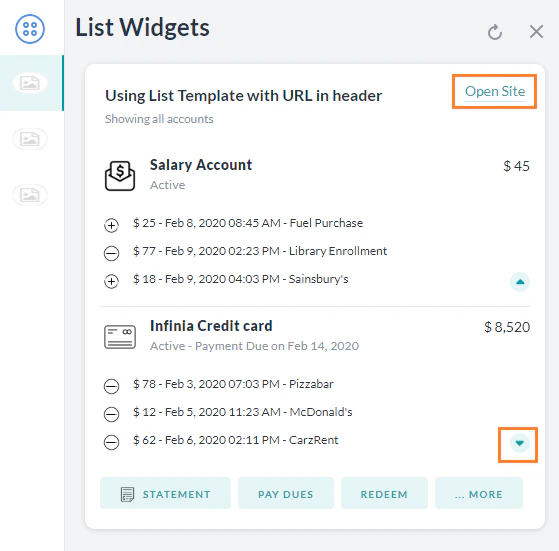
List Template
Displays a list of items with optional buttons. Limitations: max 4 elements, 1 optional button per element, 1 optional global button. Required parameters:elements (array), title per element
Error Template
Displays validation, error, or warning messages with a colored background.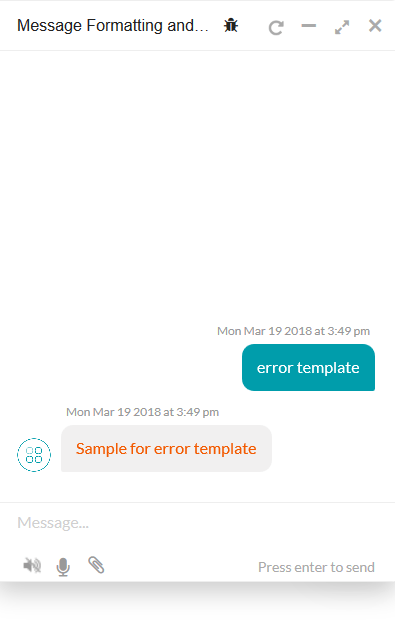
Attachment Template
Renders images, audio, or video from a URL. Supported formats:To display images, use the
url field with the image URL.Text Template
Renders plain text using the Platform’s default formatting.Carousel Template
Horizontal scrollable card carousel. Each card has an image, description, and up to 3 buttons. Required parameters:elements array, each with title, image_url, and buttons
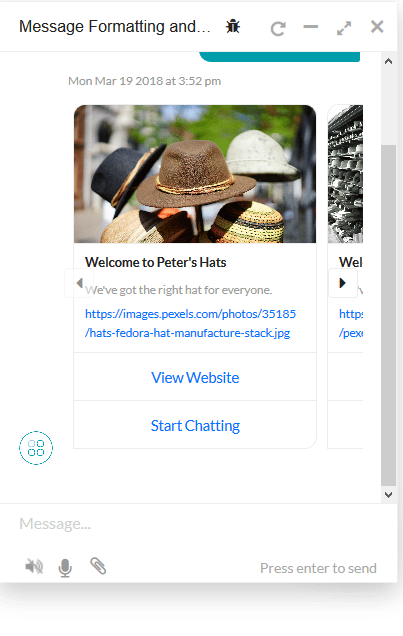
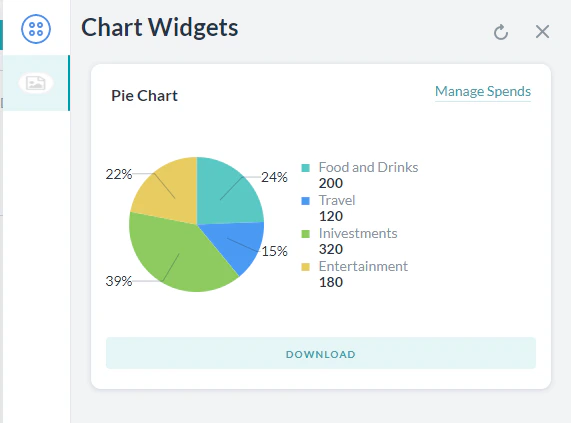
Chart Templates
Chart templates are supported only for the Web SDK, not the Mobile SDK.
template_type, X_axis, elements
Bar Chart — Required: template_type, X_axis, elements. Supports vertical/horizontal, single/multi-series, stacked.
Regular Table — Renders data in a regular or responsive table. Required: template_type, columns, elements.
Mini Table — Renders row headers with column data as separate cards. Ideal for 3-4 columns and 4-5 rows.
BotKit SDK: Sending Templates
To send a template from BotKit, setisTemplate: true in the overrideMessagePayload: