

Prerequisites
- Admin access to the Slab application.
- A Slab Bot API token (see below).
Generate an Access Token in Slab
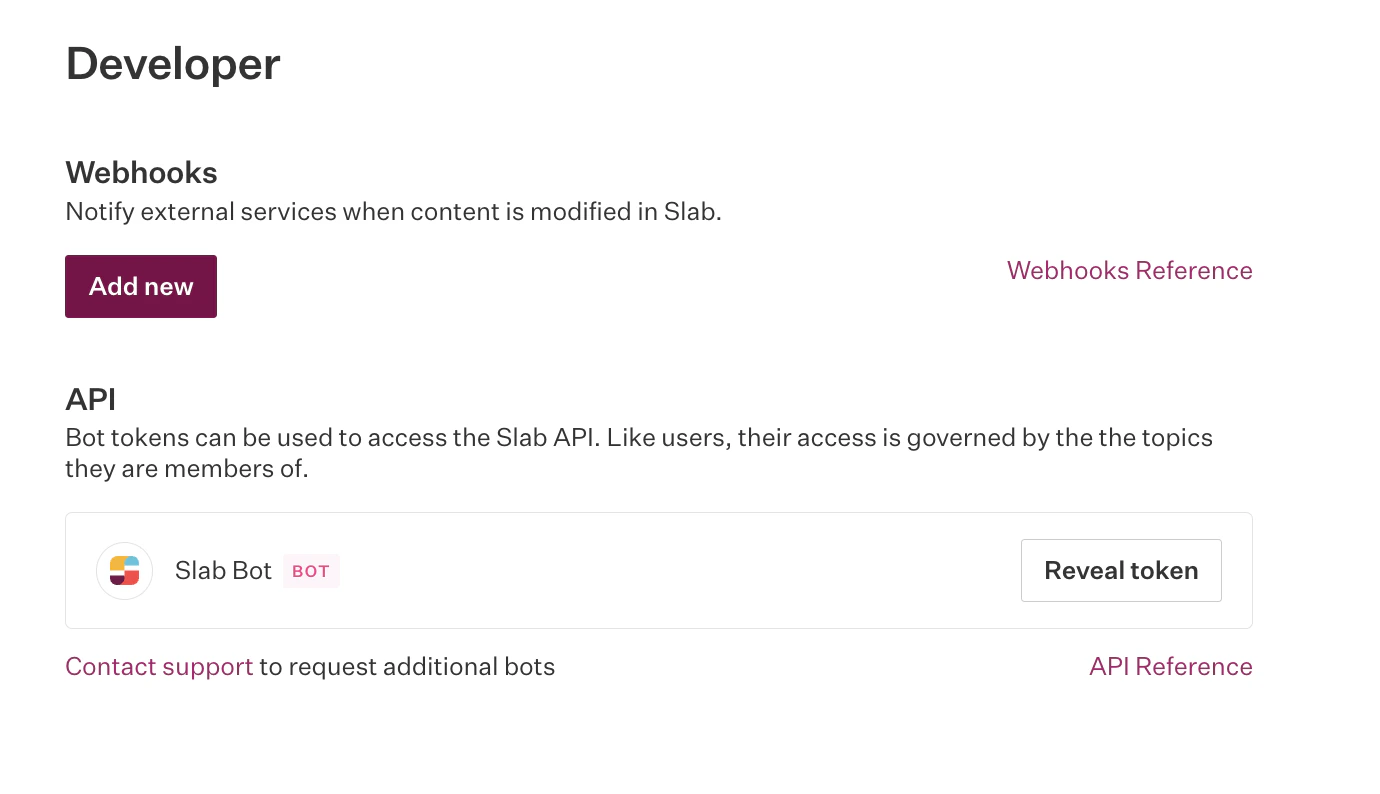
Search AI communicates with Slab using its APIs. Authentication requires an access token tied to a bot-type user associated with your organization. This token is private and must not be shared.- Go to the Admin console in the Slab application.
- Click your profile name in the top right and go to Settings.
- Select Developer from the left menu.
- Click Reveal API Token to display the Slab bot token.
Configure the Slab Connector in Search AI
- Go to the Authorization page of the Slab connector.
- Provide the following details and click Connect:
Content Ingestion
After connecting, go to the Configuration tab to set up synchronization:- Sync Now — Immediately ingest content from Slab.
- Schedule Sync — Set a recurring schedule for future syncs.