

File Format
Each JSON file must be an array of objects, where each object represents a single chunk. Key requirements:- The file name is used as the
recordTitle. - The JSON structure must be an array of objects.
- Each object’s keys must match the supported chunk fields listed in the table below.
Refer to the sample file for a reference implementation.
Configuration Steps
-
Go to Content > Connectors and add the JSON Connector.
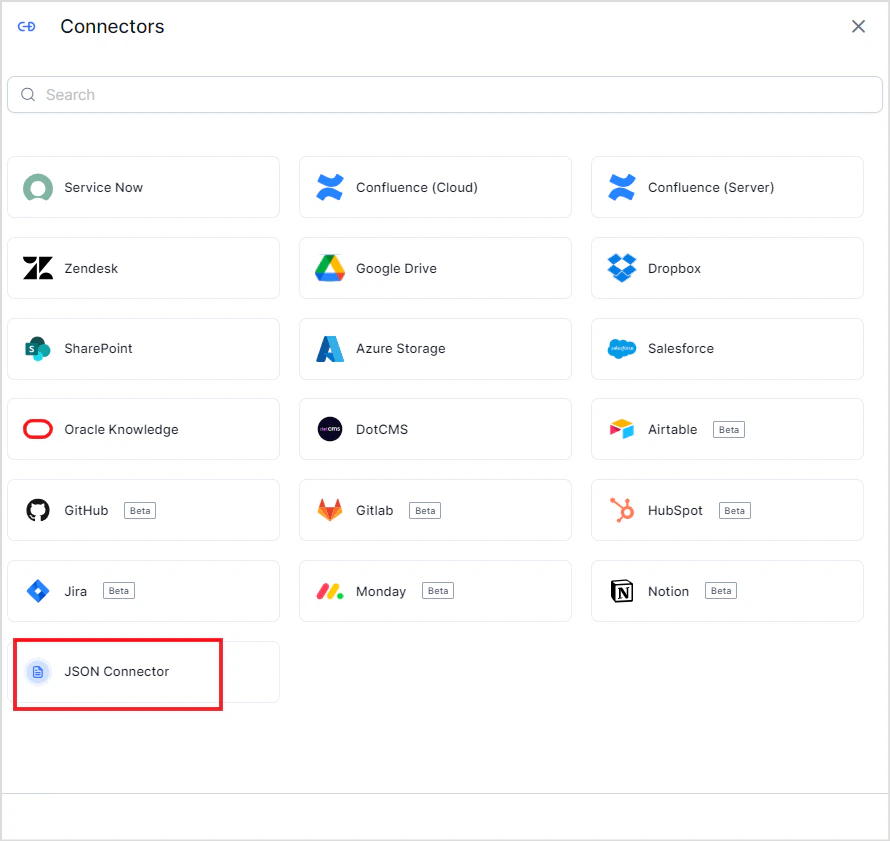
-
Select the source name to upload the JSON content to. If no source exists, create a new one. Upload the JSON file with your structured data.
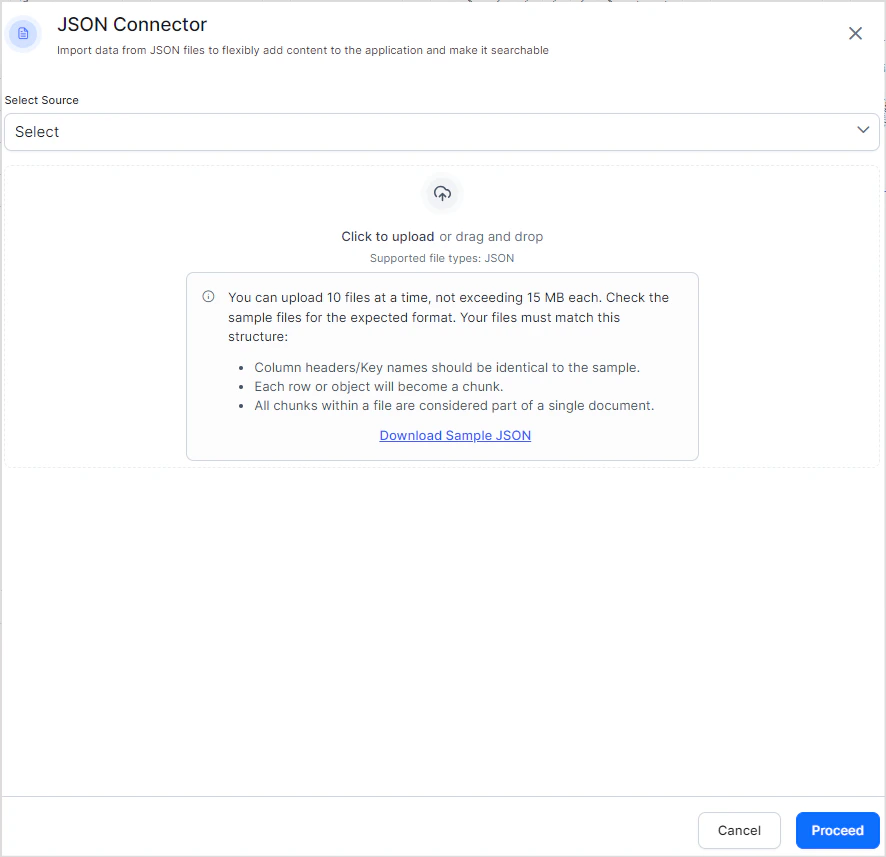
- Click Proceed. Search AI ingests the content from the uploaded files immediately.
-
Click the Files tab to view the contents of the connector at any time.


- Up to 10 files per upload
- Maximum 15 MB per file
- The file name is used as the
recordTitle