Supported Actions
Create Content
- Install the template from Confluence Templates.
-
The createContent dialog task is added with:
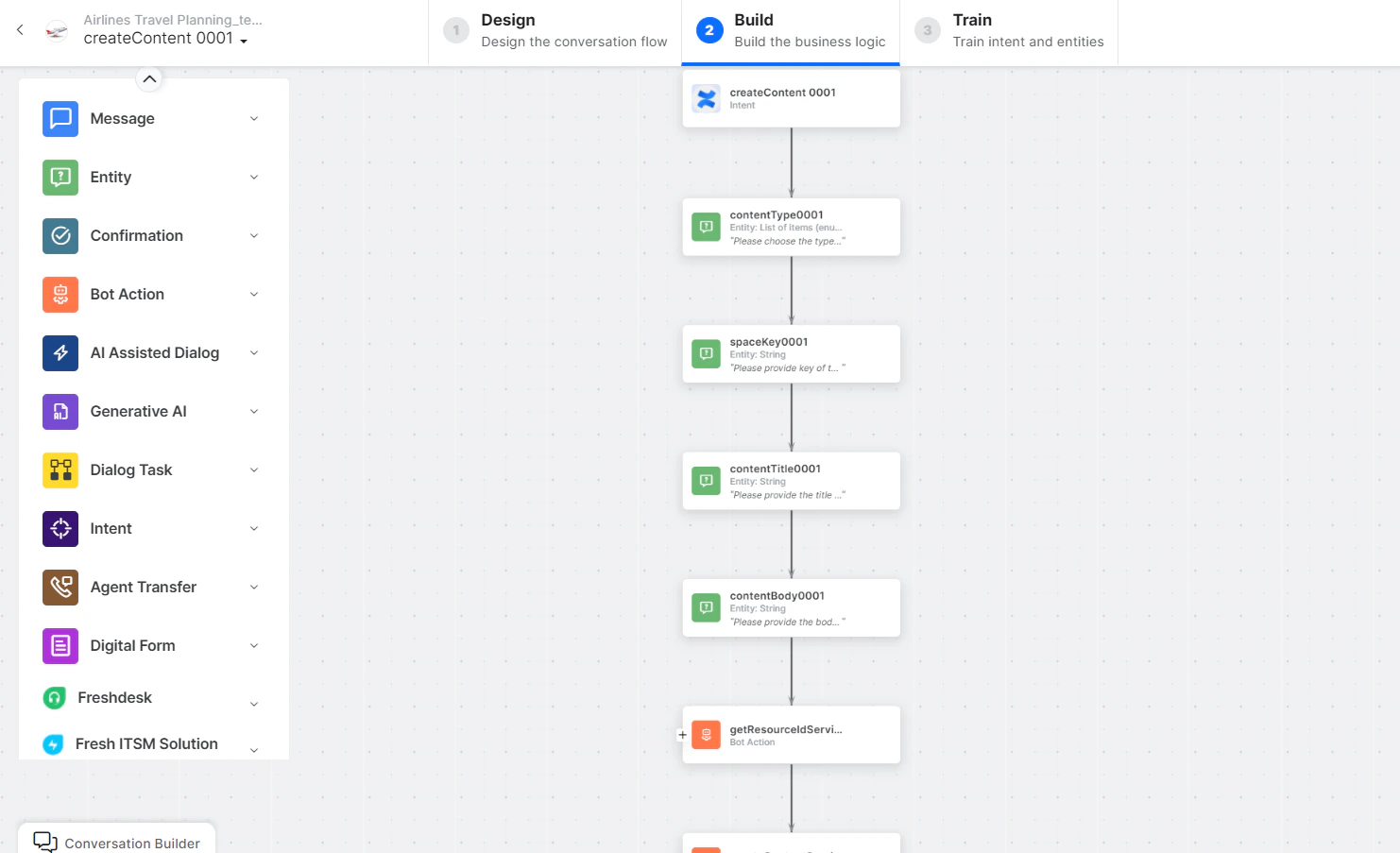
- createContent - User intent to create content in the Confluence space.
- contentType, spaceKey, contentTitle, contentBody - Entity nodes for content details.
-
getResourceIdService - Bot action service to fetch the resource ID. Click Edit Request:
 Click +Add Response: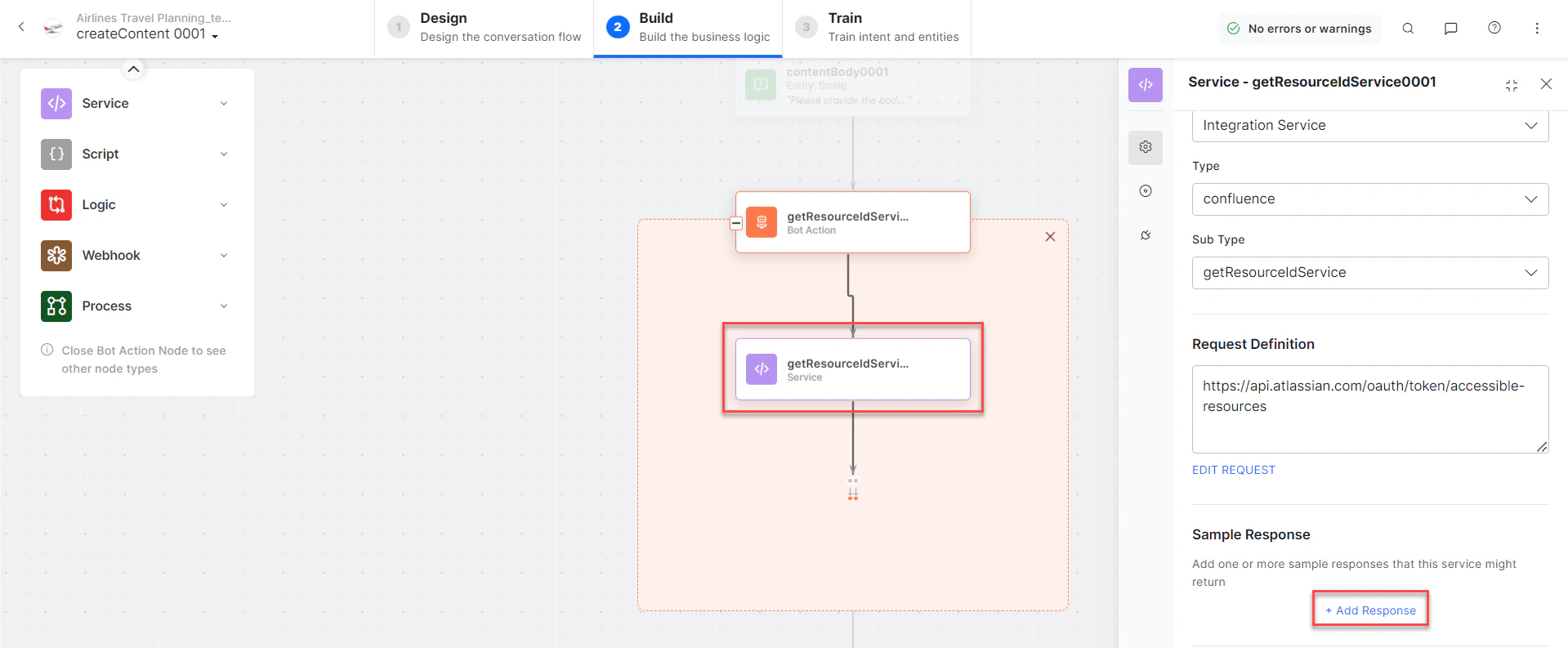
- createContentService - Bot action service to create content in the Confluence space.
- createContentMessage - Message node to display the result.
- Click Train to complete training.
- Click Talk to Bot to test.
-
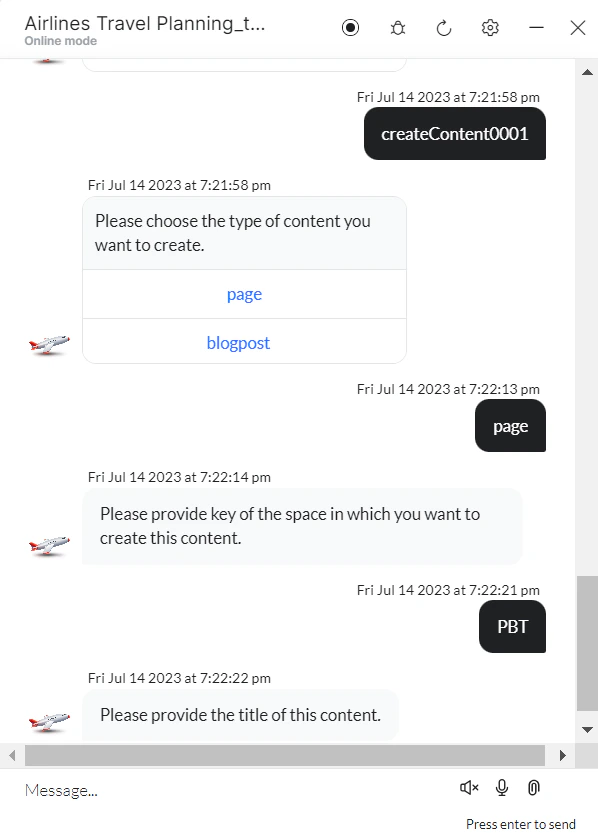
Follow the prompts to create content.
-
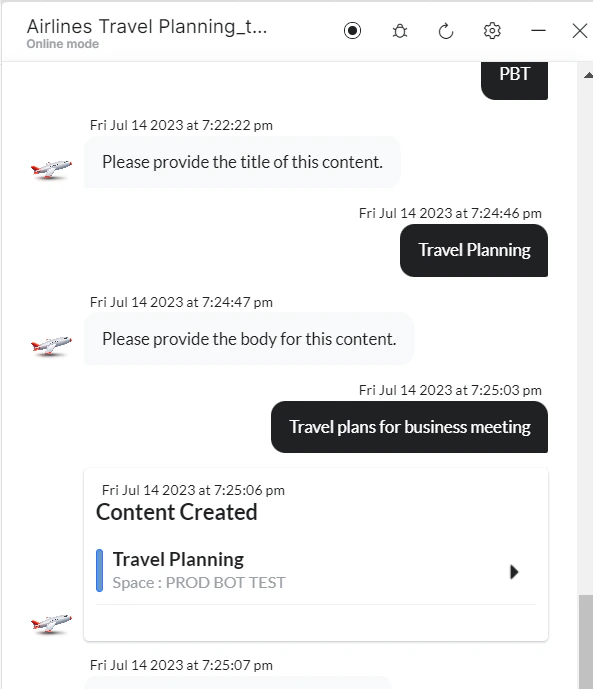
Enter title and body details when prompted.
-
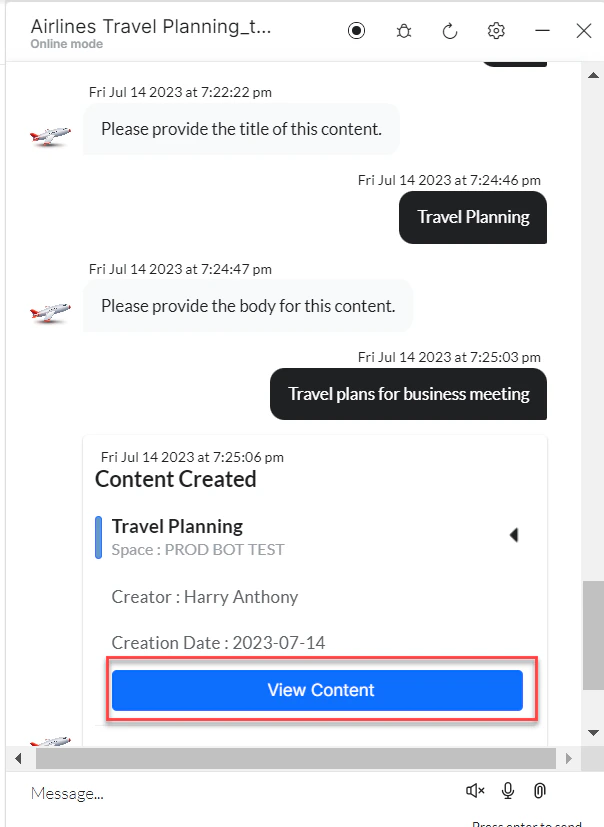
Content is created. Click View Content to open it.
-
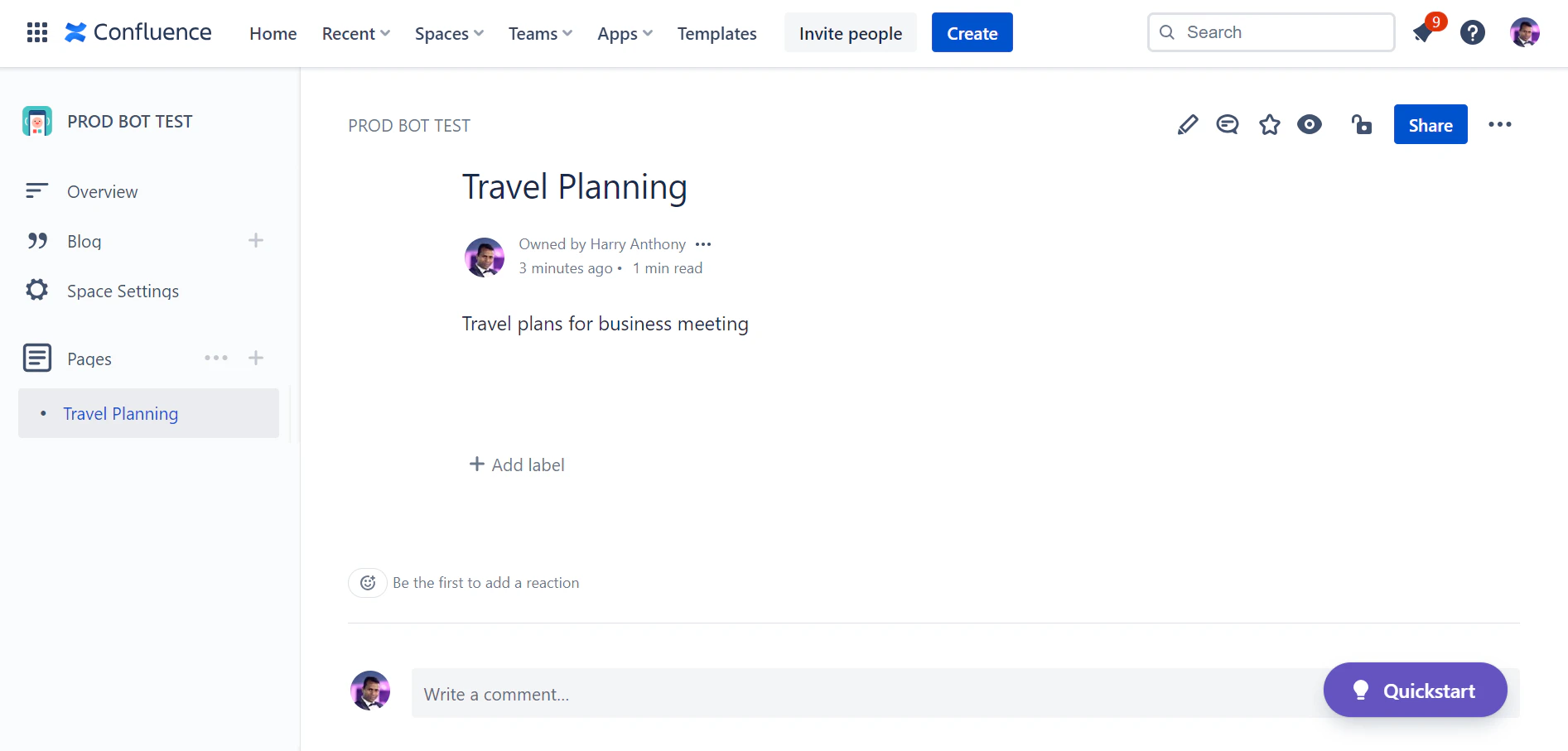
View the page in Confluence.