

Overview
The process involves three steps:Prerequisites
Before you start, have the following ready:- Zendesk account credentials.
- User subdomain, email address, and API token for your Zendesk account.
Step 1: Link Your Zendesk Account
-
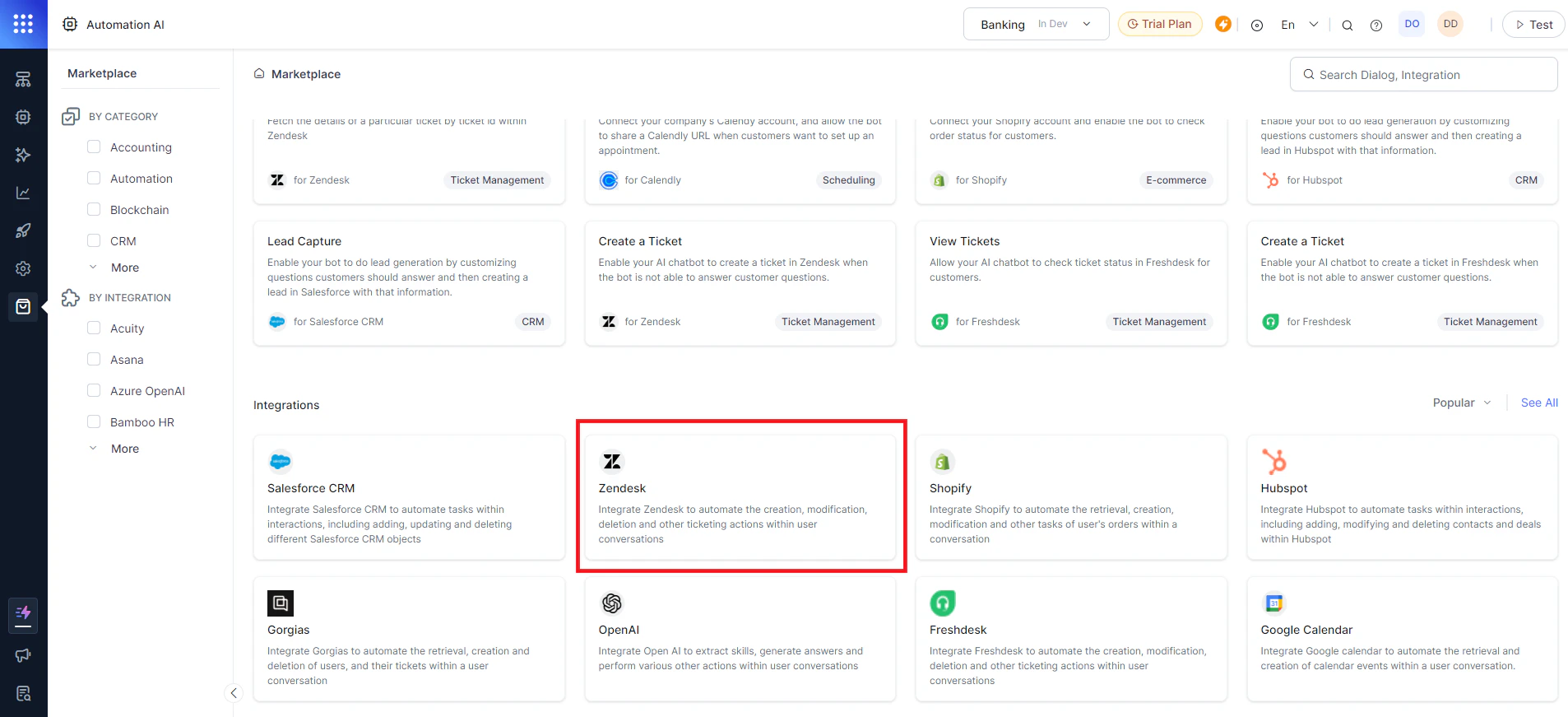
Go to Marketplace in the left navigation and select Zendesk integration.
-
Click Install at the top right.
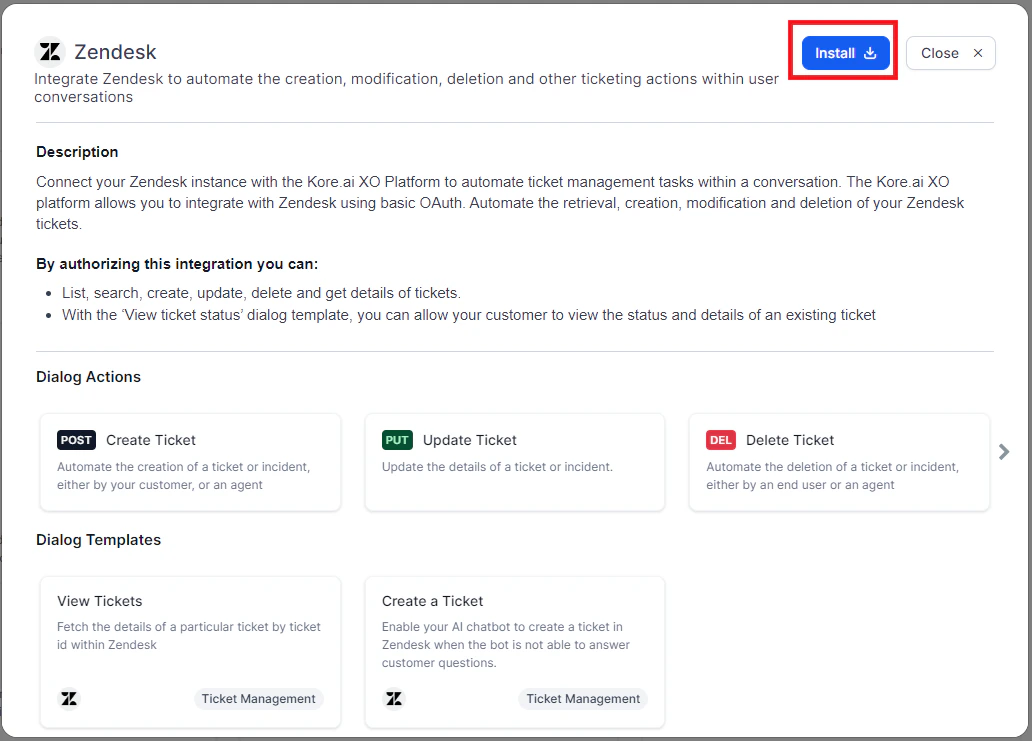
- Click the Authenticate and Install tab.
-
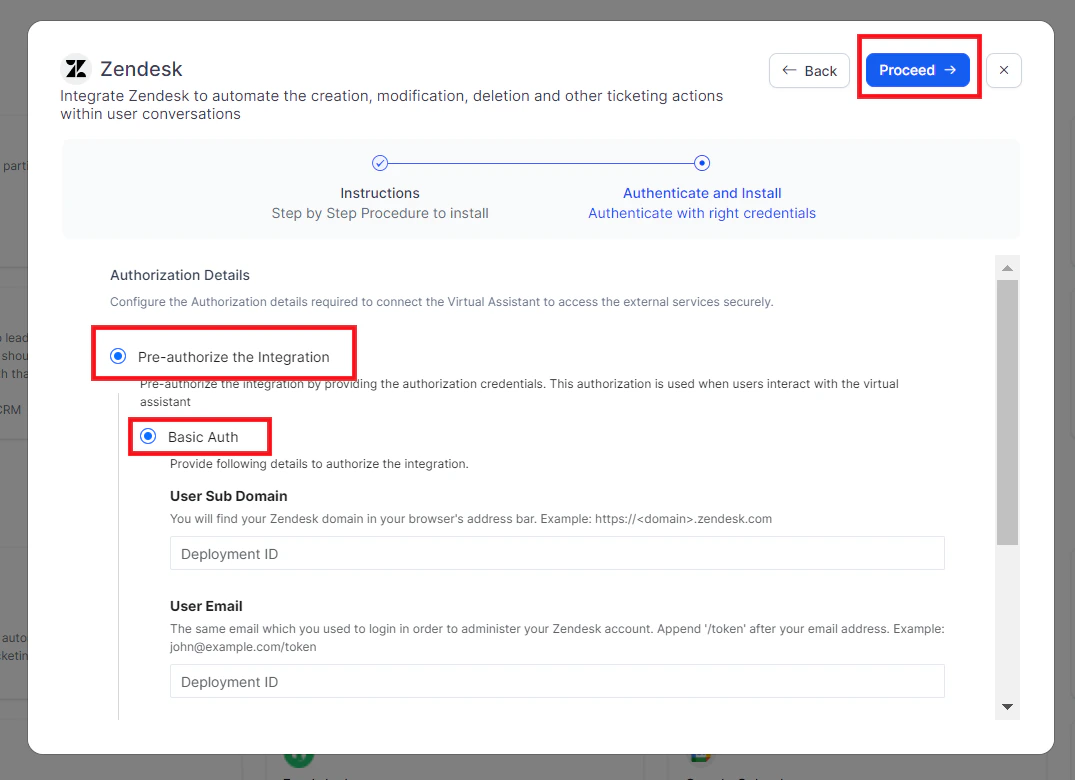
Select Pre-authorize the Integration and Basic Auth.
-
Under Basic Auth, enter the following:
-
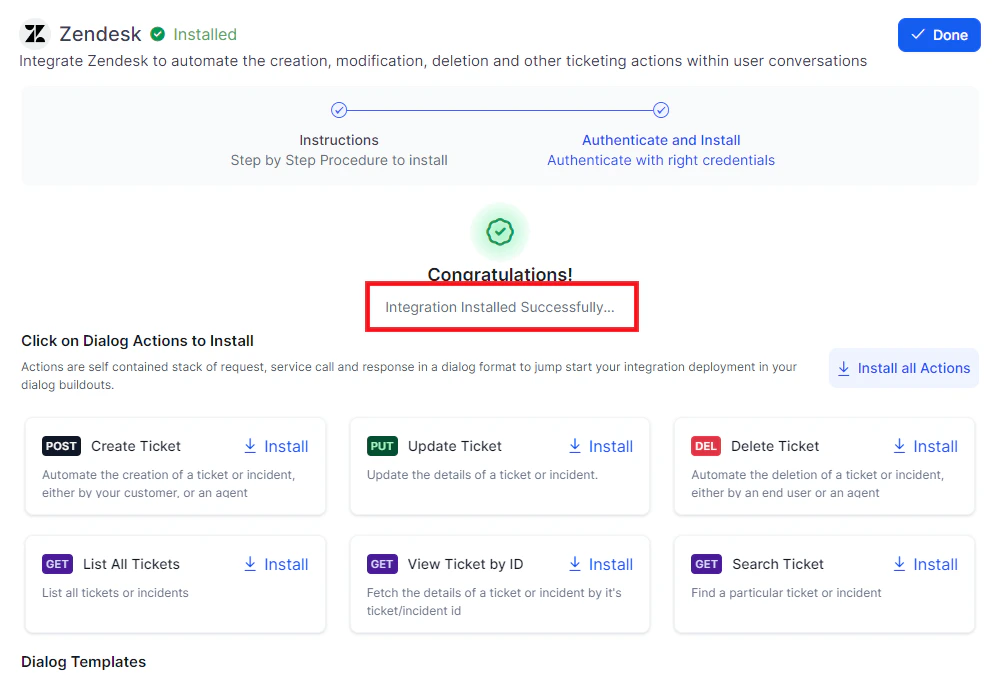
Click Proceed. The Integration Installed Successfully confirmation is displayed.
Step 2: Install the ‘Create a Ticket’ Template for Zendesk
-
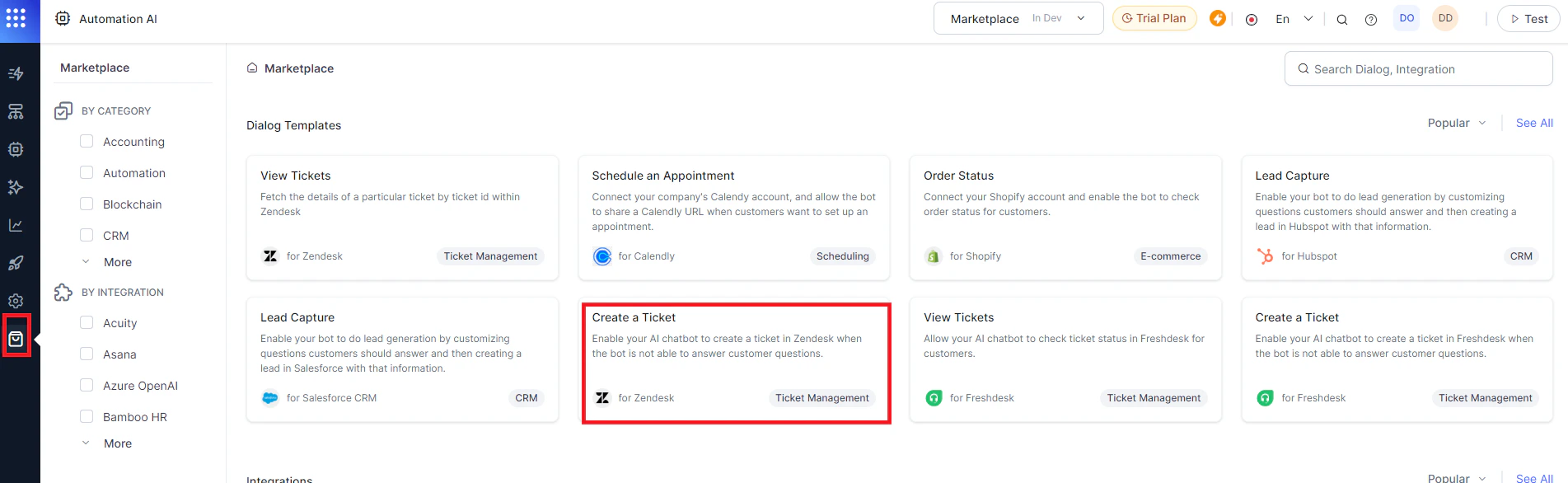
Go to Marketplace and select the Create a Ticket for Zendesk dialog template.
-
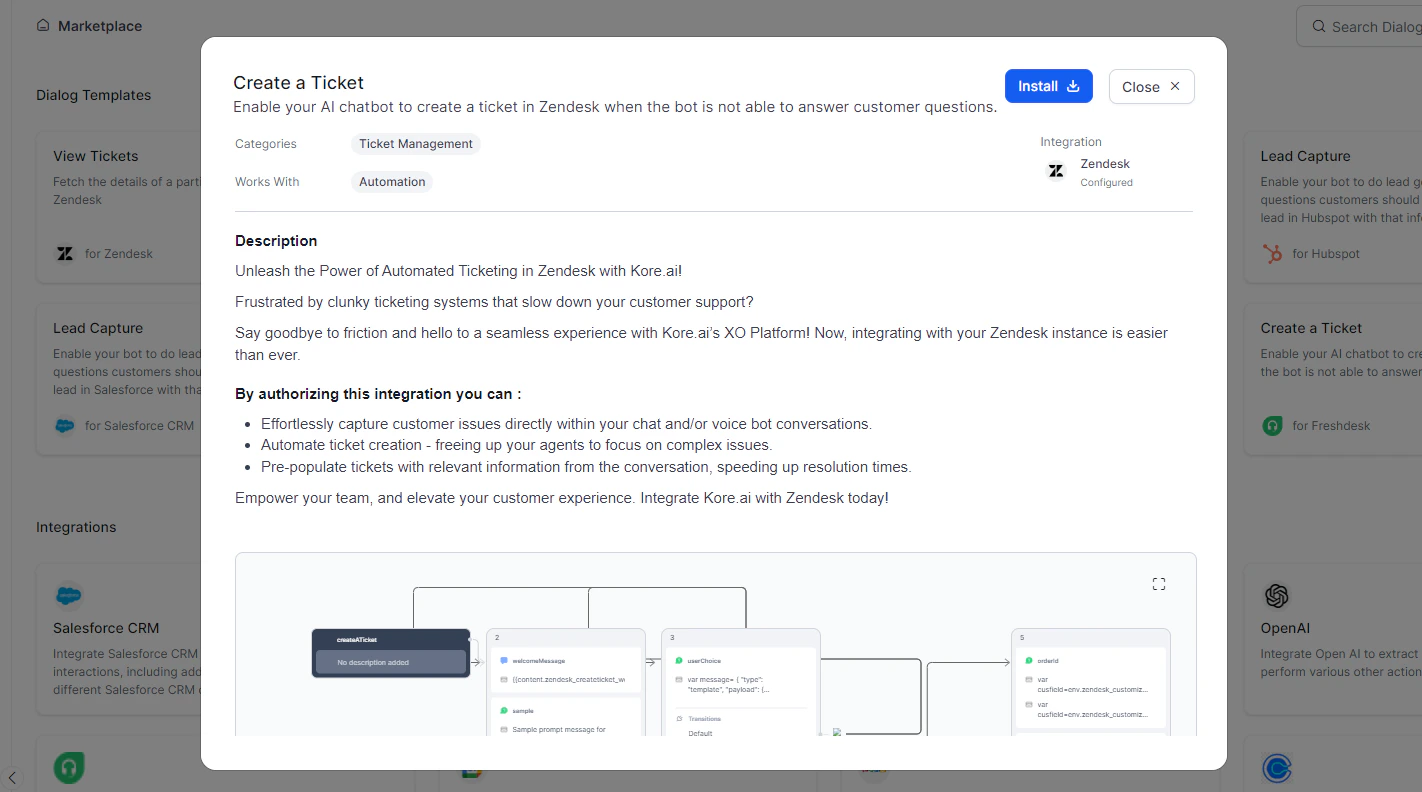
Click Install.
-
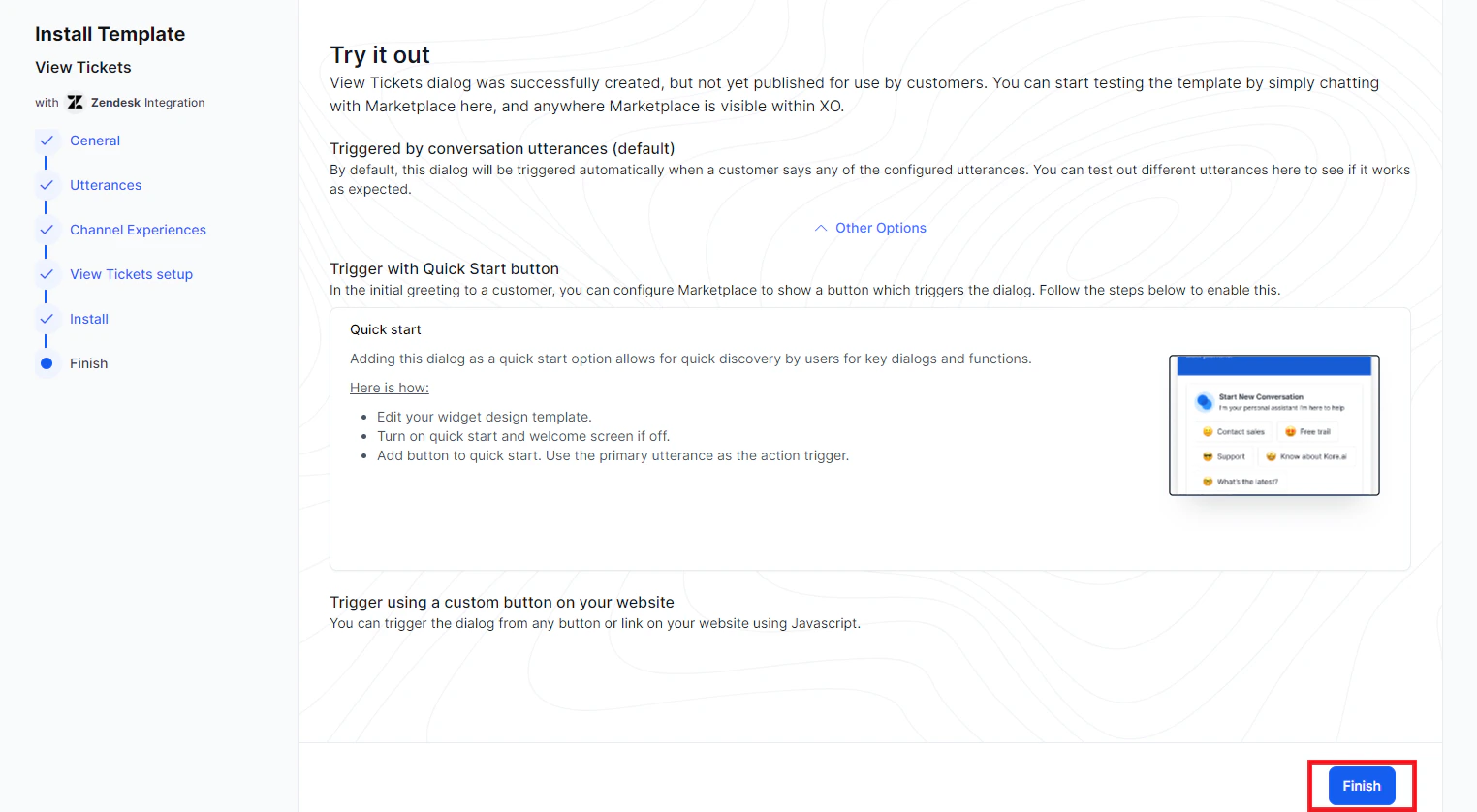
Fill in the dialog task details:
-
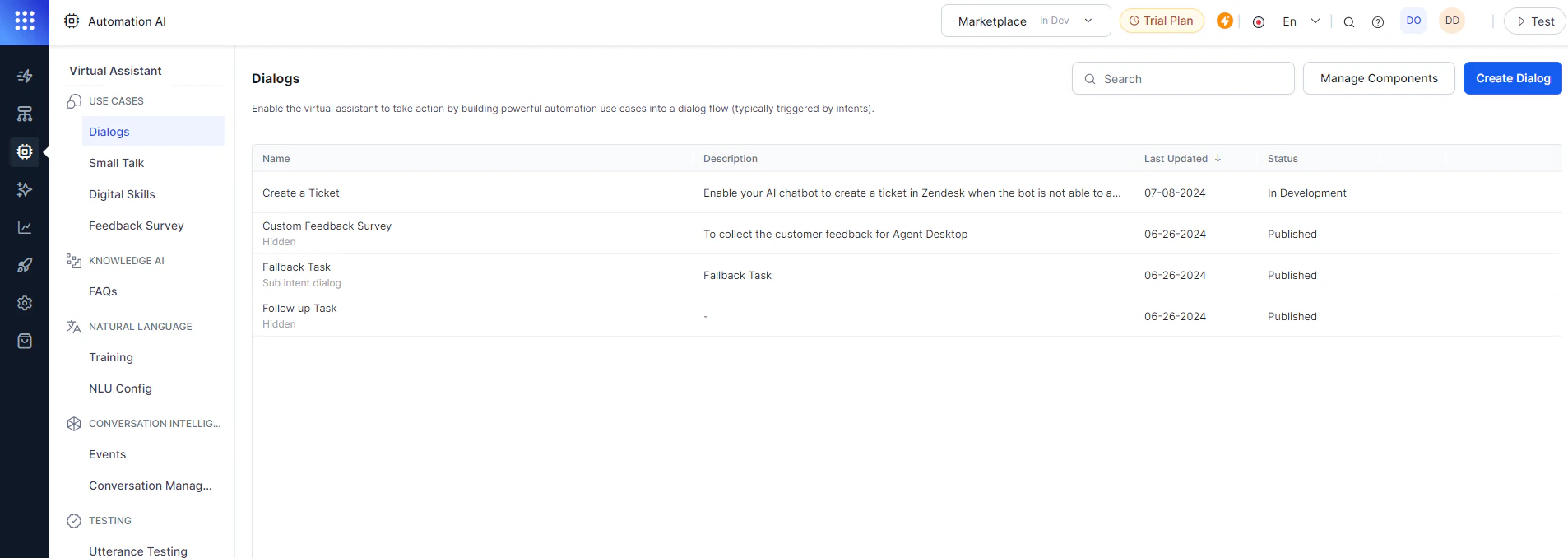
Click Finish. The dialog task is auto-created and listed under Automation AI > Use Cases > Dialogs.
Step 3: Train and Test the Dialog Task
- Click the Test icon.
- Select a conversation type (Voice or Chat).
- Click Train to process untrained utterances.
-
Follow the prompts in the App console to create a ticket.
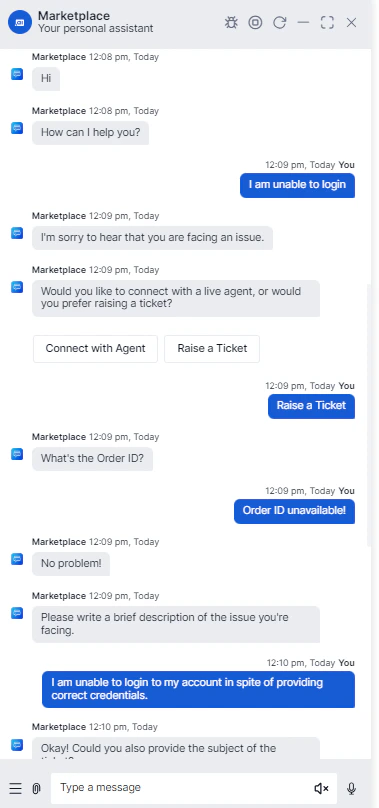
-
Enter ticket details when prompted.
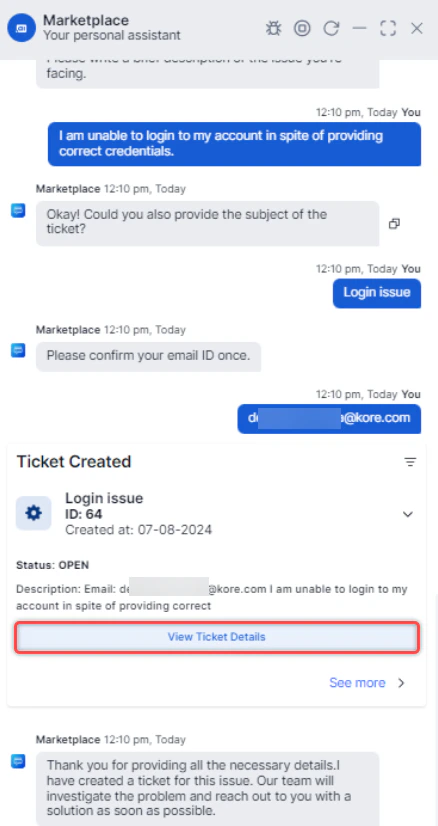
-
The ticket is created in Zendesk. Click View Ticket Details in the app console to view it in Zendesk.
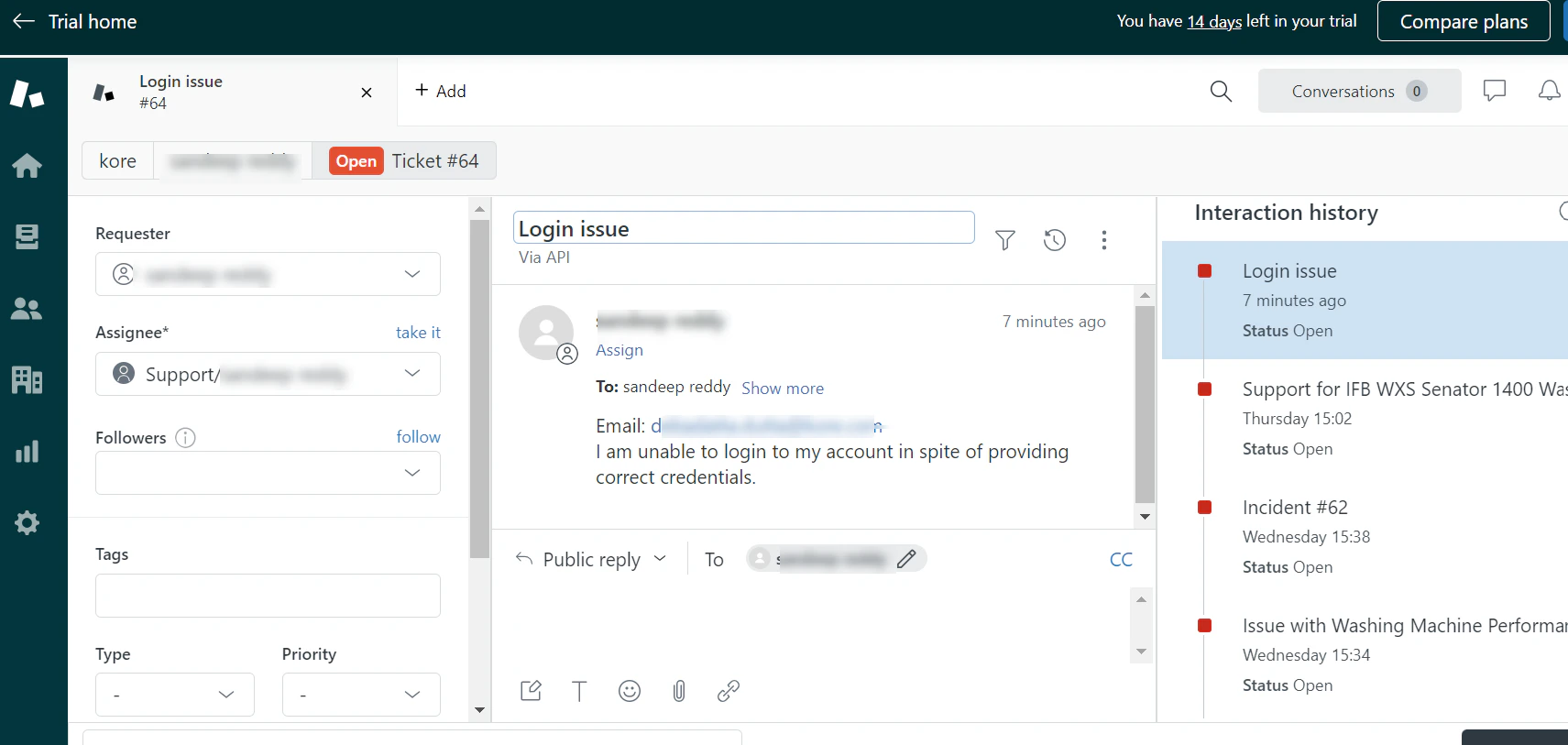
- Publish your app to make this capability available to end users.